Everything posted by worldwidecom2106
-
My computer is new and can boot from a CD. Well you advice to download SP3 from Microsoft and RyanVM's Post SP3 update pack and to use nlite to make a bootable CD with all updates?
-
I found a cd with windows xp pro from the first generation. No SP and can be installed only booting with floppy discs. My question is : which updates I have to slipstream? Directly SP3? Or first another’s updates and then SP3? Thanks
-
Which Cd to use I have a cd with xp pro with SP0 ( no sp) and is not bootable – from the beginning. (corporate version) I have another with SP2 also corporate version. I have also OEM Version SP2. I need an advice. Which version to use for slipstreaming SP3. Thanks in advance
-
First time made unattended windows xp pro and have errors. “ windows can not find c:\install\run.cmd” So the applications not installed. Please help ;SetupMgrTag [Data] AutoPartition=0 MsDosInitiated="No" UnattendedInstall="Yes" [unattended] FileSystem=* UnattendMode=FullUnattended OemSkipEula=Yes OemPreinstall=Yes UnattendSwitch="yes" TargetPath=\WINDOWS [GuiUnattended] AdminPassword="718271" EncryptedAdminPassword=NO AutoLogon=Yes AutoLogonCount=2 OEMSkipRegional=1 TimeZone=105 OemSkipWelcome=1 [userData] ProductKey= FullName="User" OrgName="" ComputerName=PC [TapiLocation] CountryCode=32 Dialing=Tone AreaCode=056 [RegionalSettings] LanguageGroup=1 Language=00000813 [branding] BrandIEUsingUnattended=Yes Home_Page=http://www.google.com [Proxy] Proxy_Enable=0 Use_Same_Proxy=1 [identification] JoinWorkgroup=MSHOME [Networking] InstallDefaultComponents=Yes [GUIRunOnce] command9="%SystemDrive%\DPsFnshr.exe" "regedit /s %systemdrive%\install\tweak.reg" %systemdrive%\install\run.cmd Thank you.
-
Window Washer v6.05 I need help please to install silent this application. Thanks in advance.
-
Thank you. I found it.
-
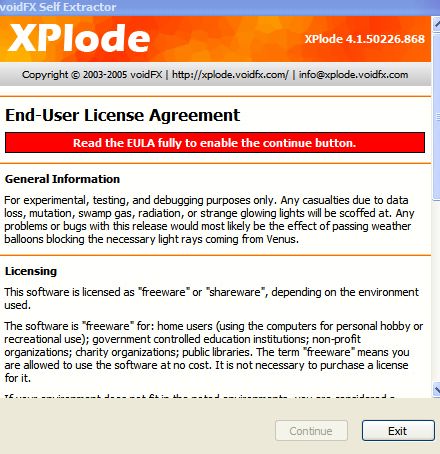
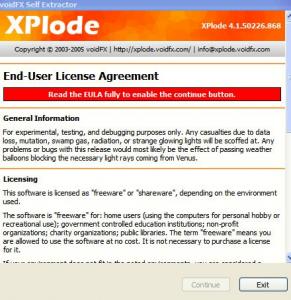
How to extract Xplode because the continue button is not visible. Thank you.
-
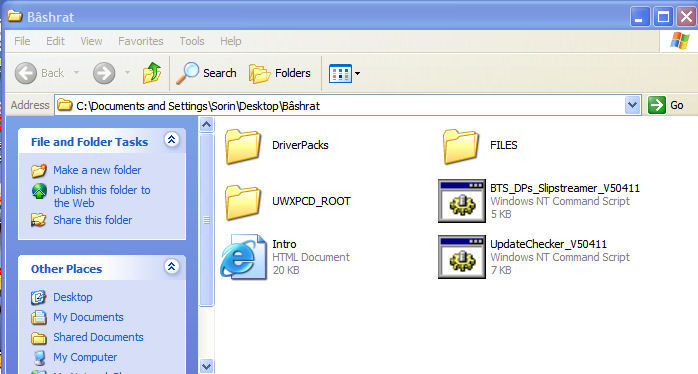
Yes thank you. I already saw the tutorial and understood where is the root. Thanks to erik_demon and Bâshrat the Sneaky too. You have to admit that not everybody is computer minded. The level of knowledge and understanding it can not be equal too.
-
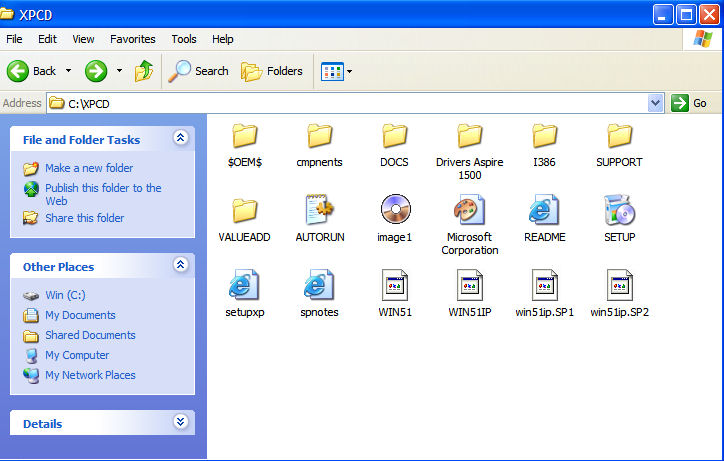
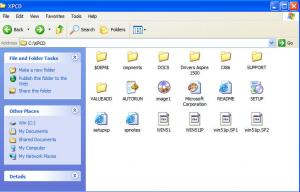
What means the root of your UWXPCD? XPCD or I386 folder. I already extract all with method 1. What I have to copy and where. Take a look please at the picture. What means the root? I’m novice in computers. Thank you
-
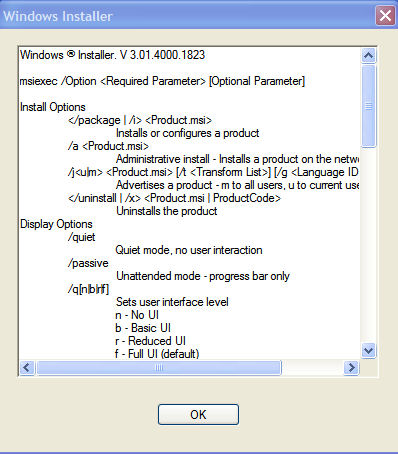
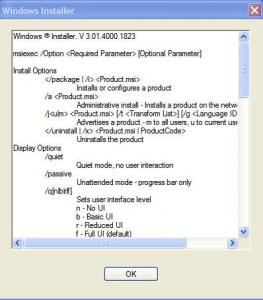
Office 2003 - Slipstreaming I tried the procedure from the following link http://unattended.msfn.org/intermediate/ap...ipstreaming.htm All work good. I still have problems to slipstream "Projects 2003". I receive a window as in the image attached, when tried. Anybody can help? I'm novice in computers so make me understand what happend is. Thank you
-
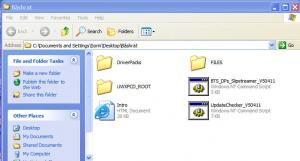
Which is the root of the cd? Thank you