Skip to content
View in the app

A better way to browse. Learn more.

MSFN

A full-screen app on your home screen with push notifications, badges and more.

To install this app on iOS and iPadOS
  1. Tap the Share icon in Safari
  2. Scroll the menu and tap Add to Home Screen.
  3. Tap Add in the top-right corner.
To install this app on Android
  1. Tap the 3-dot menu (⋮) in the top-right corner of the browser.
  2. Tap Add to Home screen or Install app.
  3. Confirm by tapping Install.

wlibert

Member
  • Joined

  • Last visited

  • Country

    United States
  1. I am very frustrated! I've tried every number I could find both on the outside, in the OS, and in the Bios and I can't generate a key. I get an 'invalid key size' every time. I would appreciate some! Thank you!
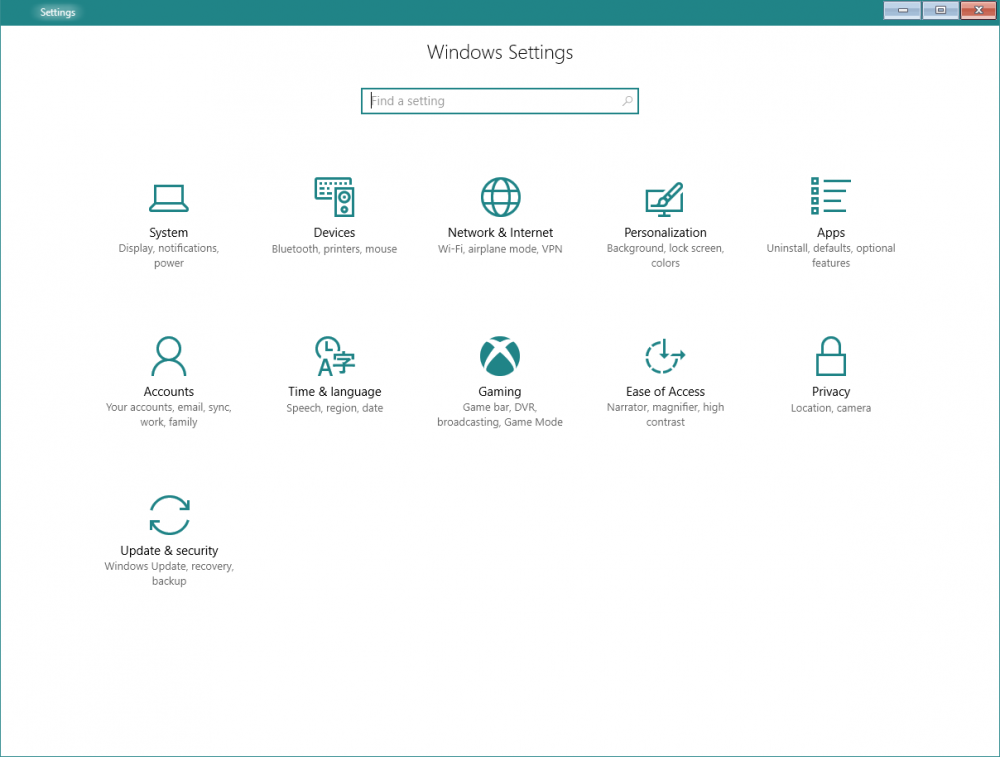
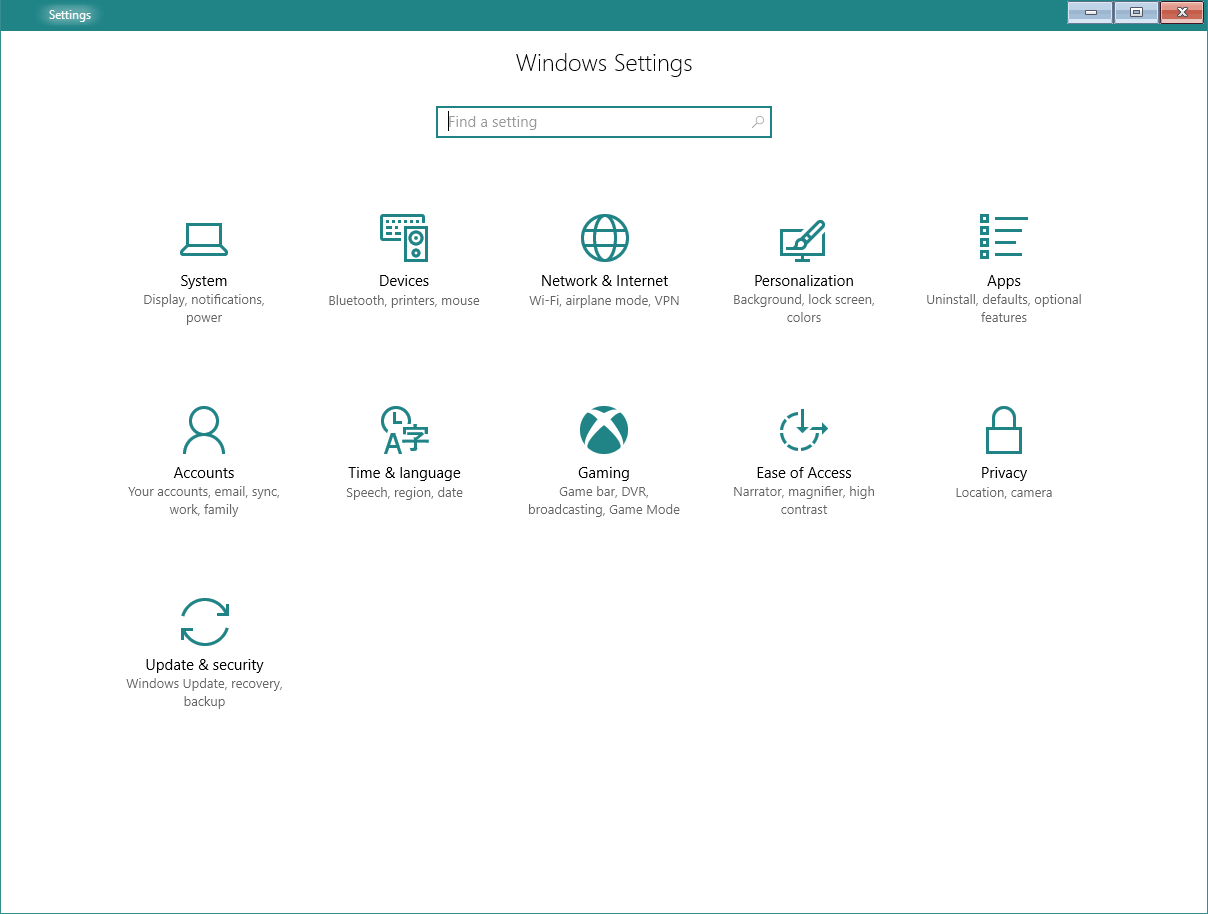
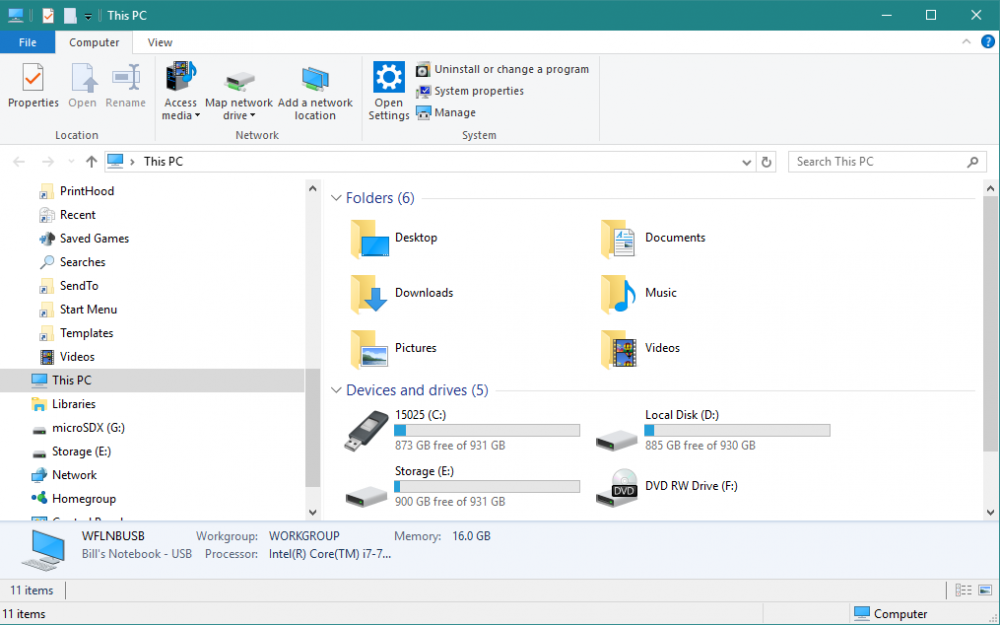
  2. I can't get Aero Glass 1.5.2 working. The Symbols are in place. Aerohost.exe is running without errors but the only place I can see some of the effects is in PC Settings which only has the old style minimize, maximize and close buttons. No borders exist at all in Windows Explorer or in PC Settings. My OS is Windows 10 Pro. I am not sure what I am doing wrong. .
  3. Does anyone know how to get support for donations to the author of Aero Glass? I made a donation several days ago and have not received a license key.

Account

Navigation

Configure browser push notifications

Chrome (Android)
  1. Tap the lock icon next to the address bar.
  2. Tap Permissions → Notifications.
  3. Adjust your preference.
Chrome (Desktop)
  1. Click the padlock icon in the address bar.
  2. Select Site settings.
  3. Find Notifications and adjust your preference.