Everything posted by wadnoune
-
howa can i change boot screen xp cd setup I modifier this files (sp3) ntkrnlmp.exe ntkrnlpa.exe ntkrpamp.exe ntoskrnl.exe and i386 file : ntkrnlmp.exe ntoskrnl.exe but this modification not work
-
:thumbup it's work 100/100 thinks :w00t:
-
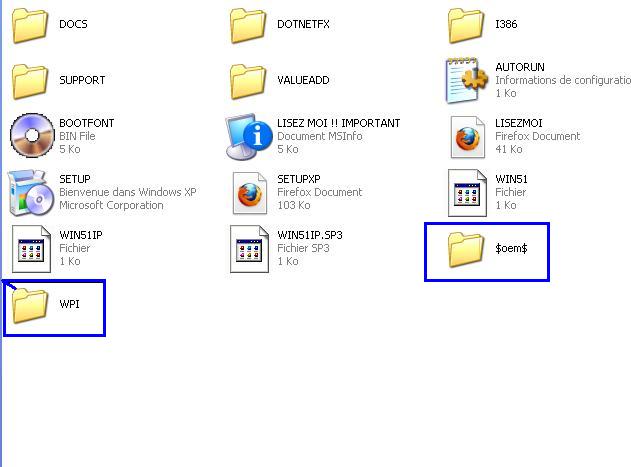
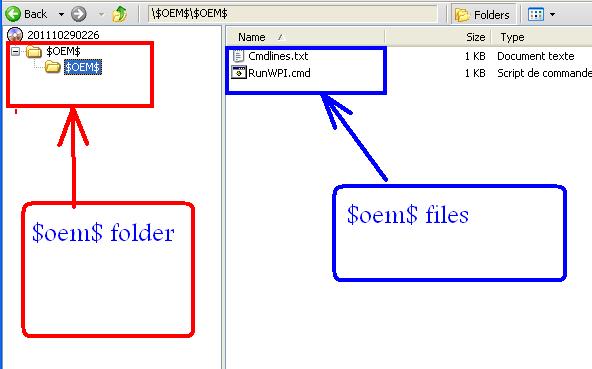
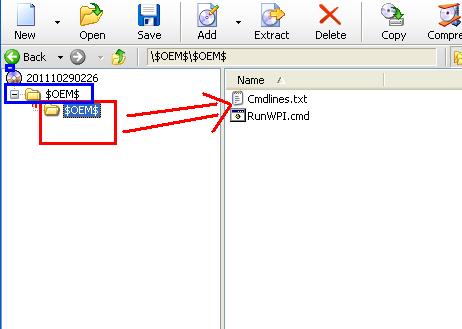
hello no I have download the new folder $oem$ contains the following files Cmdlines.txt RunWPI.cmd I put Theme in the windows root and I put WPI folder in the windows root ok good the $oem$ folder has another folder $oem$ Can I put only one folder $oem$ or twoo $oem$ folder's finaly what is the modification can i get in winnt.sif
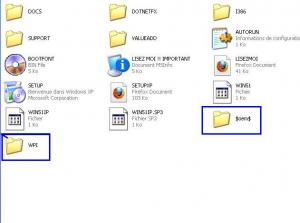
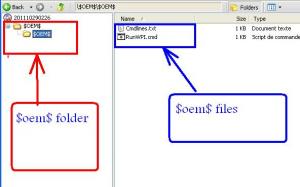
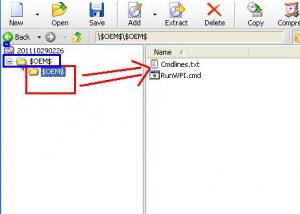
-
good morning I get wpi folder in windows setup and $OEM$ but in the setup the wpi doesn't work ? what I forget ? please help
-
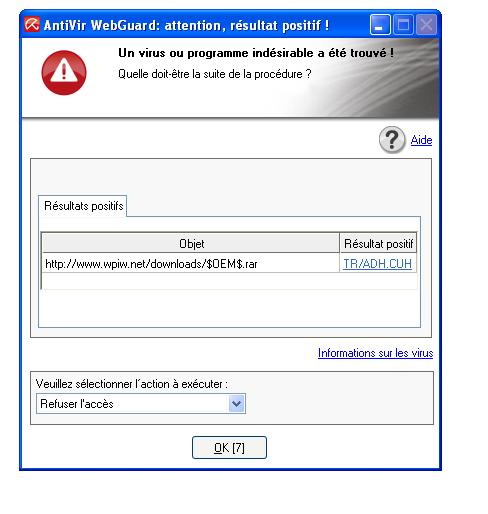
thinks sorry yout link http://www.wpiw.net/downloads/$OEM$.rar can you explan more about WPI because I have some cab programmes that did not work in windows setup
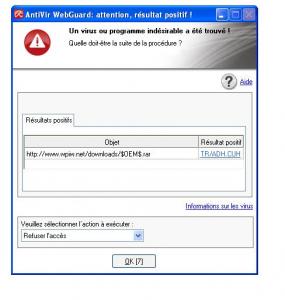
-
where is the picture ?
-
think you for this web site iT's very important because it helped me to learn how to make File Cab
-
hello every bady please how can I do netframework 4 silent instal ? thinks
-
hello I'm in the begining when can I do this code