Skip to content
View in the app

A better way to browse. Learn more.

MSFN

A full-screen app on your home screen with push notifications, badges and more.

To install this app on iOS and iPadOS
  1. Tap the Share icon in Safari
  2. Scroll the menu and tap Add to Home Screen.
  3. Tap Add in the top-right corner.
To install this app on Android
  1. Tap the 3-dot menu (⋮) in the top-right corner of the browser.
  2. Tap Add to Home screen or Install app.
  3. Confirm by tapping Install.

culibrkd

Member

Everything posted by culibrkd

  1. culibrkd replied to culibrkd's topic in nLite
    evo
  2. culibrkd replied to culibrkd's topic in nLite
    I tried the same thing, what to do help ...
  3. culibrkd replied to culibrkd's topic in nLite
    Done according to the instructions on this site is over 2 hours. what's the problem? please ...
  4. culibrkd posted a topic in nLite
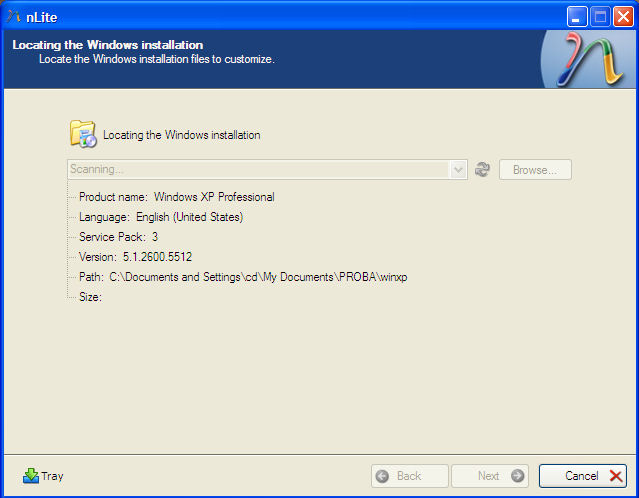
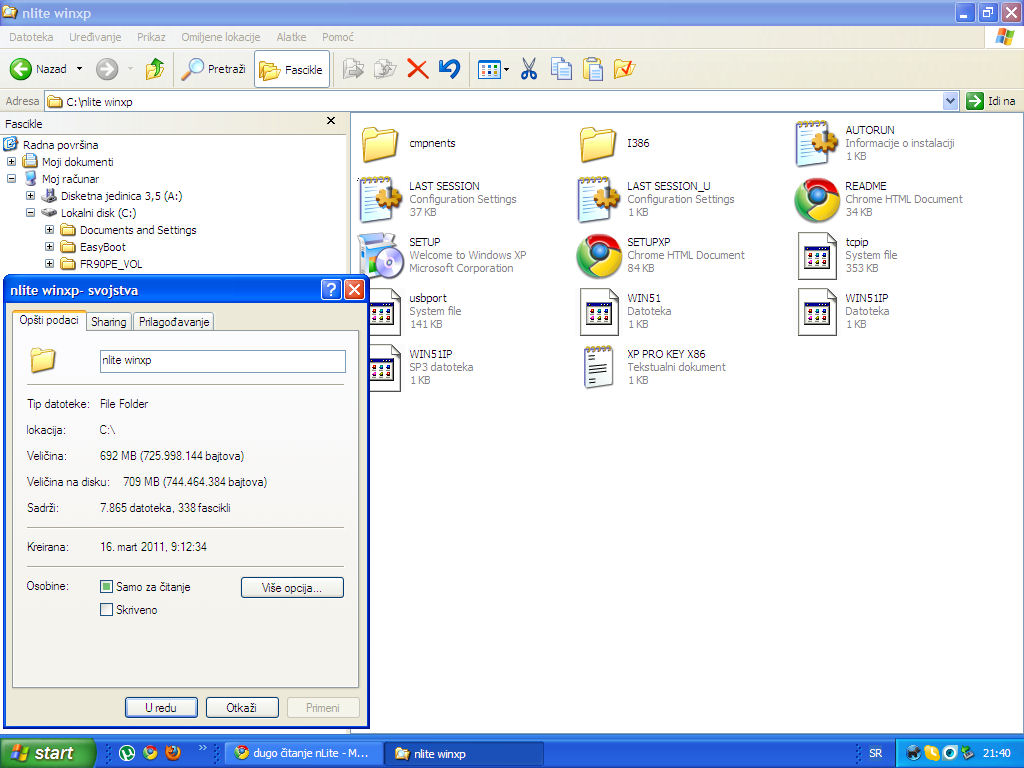
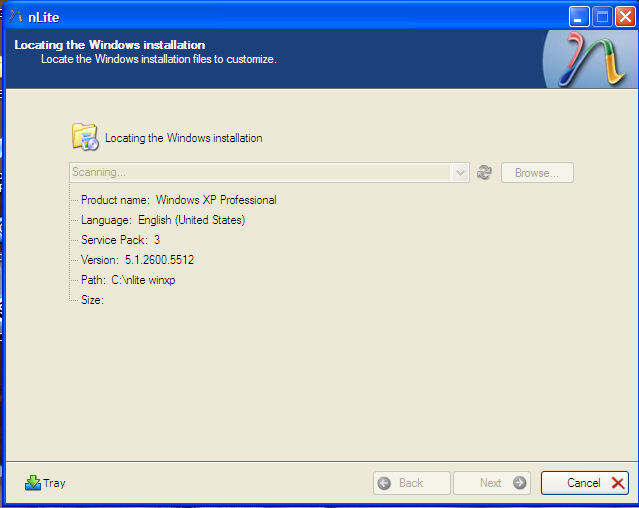
    long reading nlite I have a problem with loading win xp. read win xp sp3, language, but does not load size and can not continue further work. please what is the problem dugo čitanje nlite imam problem sa učitavanjem win xp . pročita win xp sp3, jezik, ali ne učitava veličinu i nemogu nastaviti dalji rad. molim vas u čemu je problem
Account

Navigation

Search

Search

Configure browser push notifications

Chrome (Android)
  1. Tap the lock icon next to the address bar.
  2. Tap Permissions → Notifications.
  3. Adjust your preference.
Chrome (Desktop)
  1. Click the padlock icon in the address bar.
  2. Select Site settings.
  3. Find Notifications and adjust your preference.