



Skip to content
View in the app

A better way to browse. Learn more.

MSFN

A full-screen app on your home screen with push notifications, badges and more.

To install this app on iOS and iPadOS
  1. Tap the Share icon in Safari
  2. Scroll the menu and tap Add to Home Screen.
  3. Tap Add in the top-right corner.
To install this app on Android
  1. Tap the 3-dot menu (⋮) in the top-right corner of the browser.
  2. Tap Add to Home screen or Install app.
  3. Confirm by tapping Install.

tonyfaub

Member
  • Joined

  • Last visited

  • Country

    United States
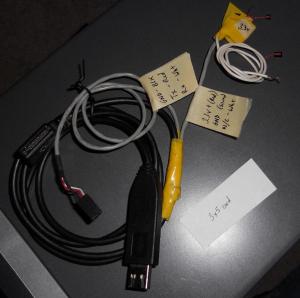
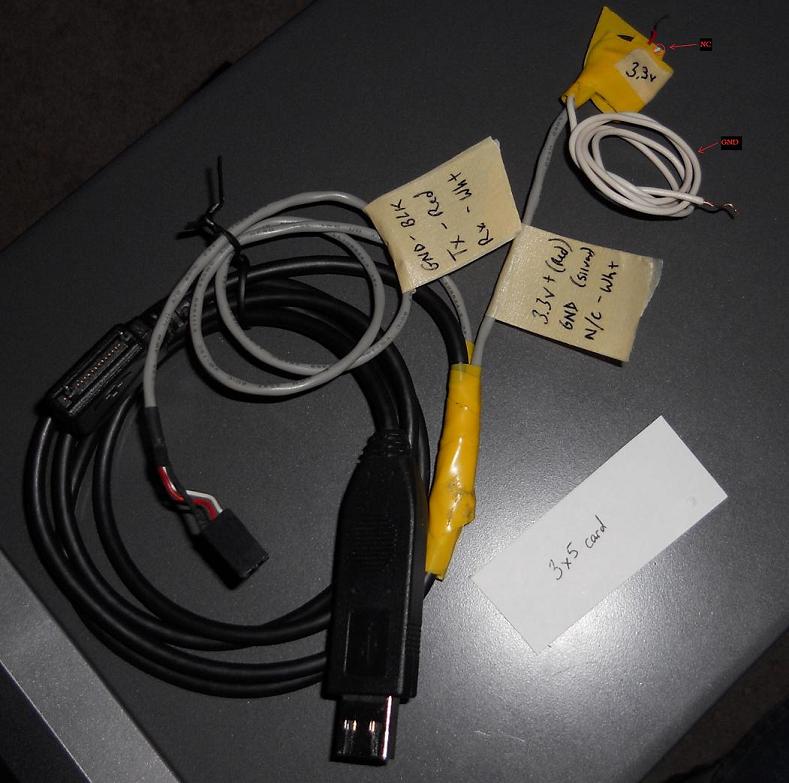
  1. Just recovered a ST3500320AS SD15 using a Nokia DKU-5 cable (6 wire, similar to CA-42) Pin2(Grnd), Pin4(3.3v+), Pin6(Rx), Pin7(Tx) Used a 3.3 volt motherboard battery for power and grounded all to the molex of the fix PC. Did the procedure and like magic, I got my stuff back safe and sound. Once recovered, flashed to SD1A and all is still well. SMART reports healthy and the drive is now a backup drive. Very pleased with everyone's efforts to document the problem and fix. v/r -Tony
Account

Navigation

Configure browser push notifications

Chrome (Android)
  1. Tap the lock icon next to the address bar.
  2. Tap Permissions → Notifications.
  3. Adjust your preference.
Chrome (Desktop)
  1. Click the padlock icon in the address bar.
  2. Select Site settings.
  3. Find Notifications and adjust your preference.