Skip to content
View in the app

A better way to browse. Learn more.

MSFN

A full-screen app on your home screen with push notifications, badges and more.

To install this app on iOS and iPadOS
  1. Tap the Share icon in Safari
  2. Scroll the menu and tap Add to Home Screen.
  3. Tap Add in the top-right corner.
To install this app on Android
  1. Tap the 3-dot menu (⋮) in the top-right corner of the browser.
  2. Tap Add to Home screen or Install app.
  3. Confirm by tapping Install.

DauYing

Member
  • Joined

  • Last visited

  • Country

    Germany
  1. Thank you for the quick answer, i will order this one and test it next year Merry Christmas to you and everyone
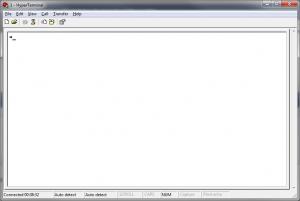
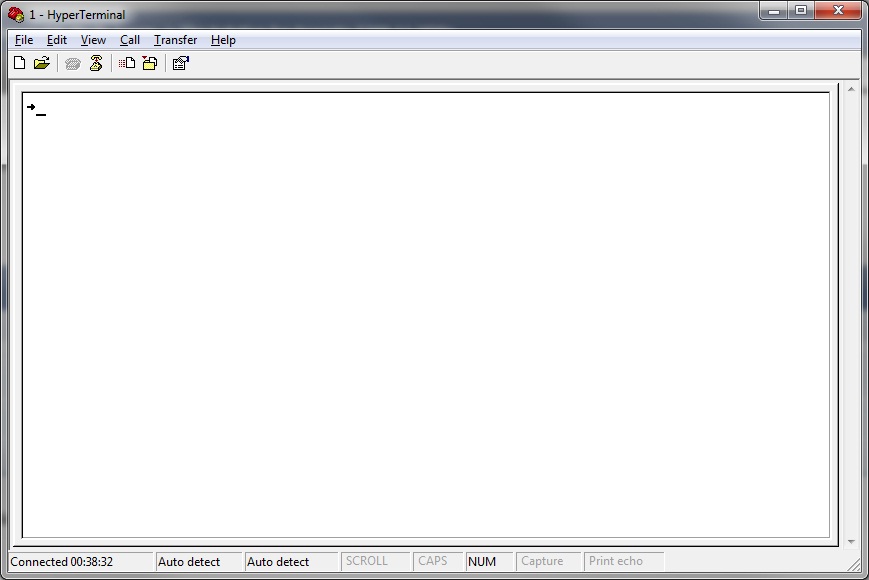
  2. Hi, Where in Germany can i get a working RS232 TTL Converter. I buyed this one at Ebay: http://cgi.ebay.de/ws/eBayISAPI.dll?ViewItem&item=280558671275&ssPageName=STRK:MEWNX:IT but it works just with 5V (Usb Voltage), powered with 3,2V (CR2032) the lopback test failed. The Pololu Deluxe Serial Adapter from Roboshop costs ~10Euro and ~30 shipping cost.... Than i have a question about Hyperterminal. I'm using Windows 7 /32Bit (x86). Under W7 there is no Hyperterminal. So i download the Hyperterminal Private Editon v7.0 from Hilgrave. Works the CTRL+Z also under this Version? I don't get the F3 T> Prompt. On my attached Screenshot u can see that i just got an Arrow. Is this alright? I hope the Problem is just the wrong Voltage of the RS232/TTL Converter.


Account

Navigation

Configure browser push notifications

Chrome (Android)
  1. Tap the lock icon next to the address bar.
  2. Tap Permissions → Notifications.
  3. Adjust your preference.
Chrome (Desktop)
  1. Click the padlock icon in the address bar.
  2. Select Site settings.
  3. Find Notifications and adjust your preference.