Skip to content
View in the app

A better way to browse. Learn more.

MSFN

A full-screen app on your home screen with push notifications, badges and more.

To install this app on iOS and iPadOS
  1. Tap the Share icon in Safari
  2. Scroll the menu and tap Add to Home Screen.
  3. Tap Add in the top-right corner.
To install this app on Android
  1. Tap the 3-dot menu (⋮) in the top-right corner of the browser.
  2. Tap Add to Home screen or Install app.
  3. Confirm by tapping Install.

davidov2009

Member
  • Joined

  • Last visited

  • Country

    Netherlands

Everything posted by davidov2009

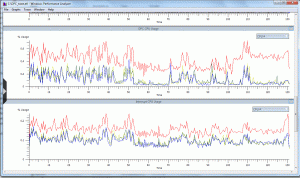
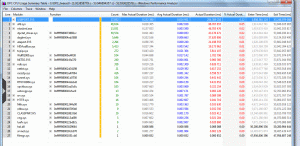
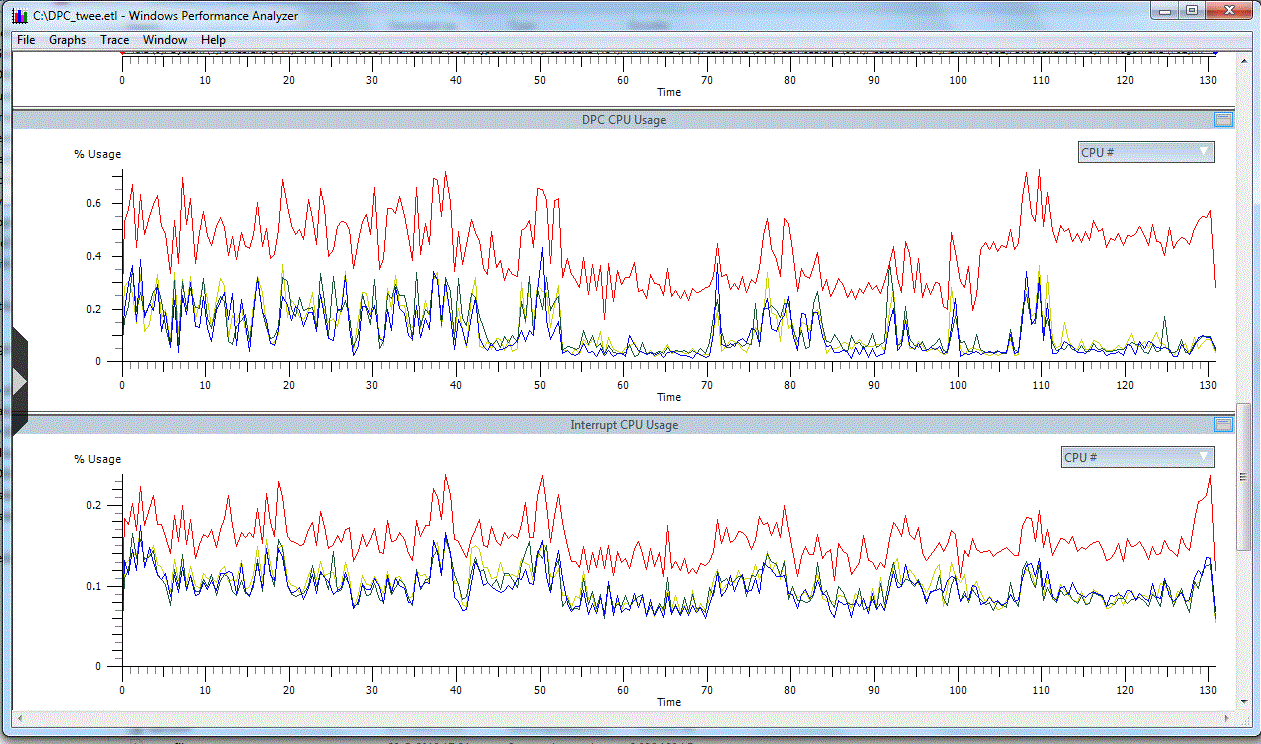
  1. Hi everyone, I also have massive DPC latency issues (spikes >60.000us in DPC Latency Checker), but it doesn't come with high CPU usage at all! If I analyse the .etl file of Win Perf Analyser, the Interrupt and DPC CPU usage is just around 0,5% See the attached screens. When I restart my PC the latency problem is away for 5 minutes or so and then gets worse by the minute. It slows down almost any application (Windows runs like I have a 1Ghz Celeron) and seriously distorts sound playback esp. in video files. System is almost unworkable. Any idea what could be causing this? Hardware failure maybe? Or a driver problem? I will upload the .etl file to SkyDrive asp. System specs: Asus P5Q, Intel Core2Duo Q6600, 3GB DDR2 1066Mhz, ATI Radeon 4870, Win 7 x64


Account

Navigation

Configure browser push notifications

Chrome (Android)
  1. Tap the lock icon next to the address bar.
  2. Tap Permissions → Notifications.
  3. Adjust your preference.
Chrome (Desktop)
  1. Click the padlock icon in the address bar.
  2. Select Site settings.
  3. Find Notifications and adjust your preference.