-
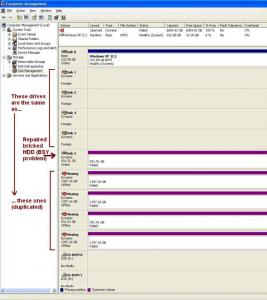
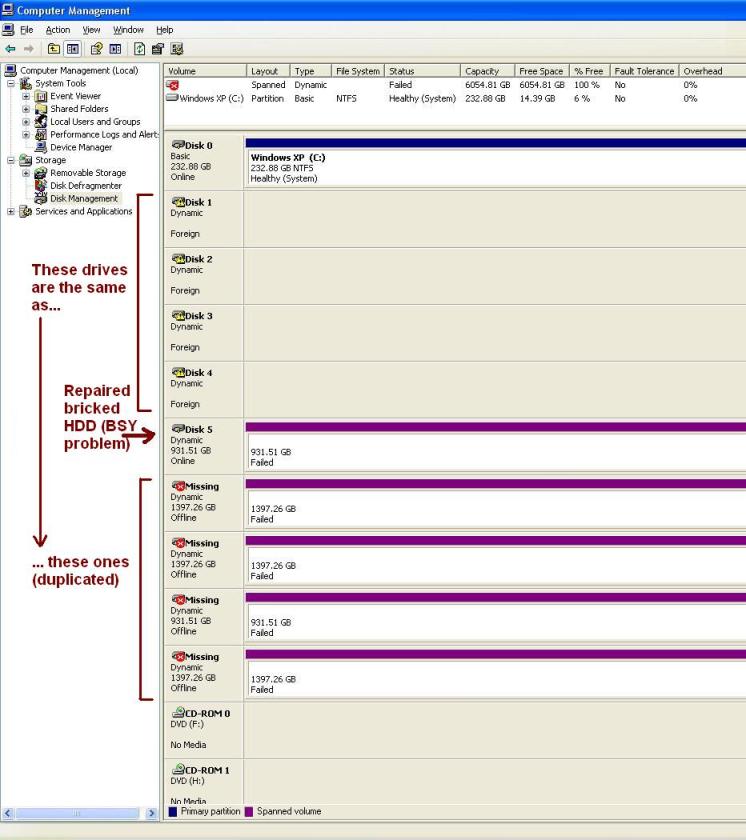
Hello everyone. I managed to unbrick my ES.2 drive with BSY problem using "USB to TTL" (CP2102-chip based). Thank you for the fix!!! Now HDD works fine. However this drive was part of windows dynamic volume of 5 drives (Spanned), I know it's not the best storage solution, but it was like temporary. After applying the fix, I can't access the spanned volume anymore, probably because windows does not recognize it as a part of that volume, so I suspect that "Partition regeneration" command "F3 T>m0,2,2,,,,,22 (enter)" messed up HDD partition table. I spent two days looking for a solution, but found nothing. So when you guys say that the fix doesn't change data on the HDD, are you really sure about that? I need to know what "T>m0,2,2,,,,,22" did exactly to HDD, and maybe I can revert that change. I found that someone already asked this question here, about RAID 5 array, but no one replied :-( Wondering if someone can help me with this... Sorry for my bad english.