



Skip to content
View in the app

A better way to browse. Learn more.

MSFN

A full-screen app on your home screen with push notifications, badges and more.

To install this app on iOS and iPadOS
  1. Tap the Share icon in Safari
  2. Scroll the menu and tap Add to Home Screen.
  3. Tap Add in the top-right corner.
To install this app on Android
  1. Tap the 3-dot menu (⋮) in the top-right corner of the browser.
  2. Tap Add to Home screen or Install app.
  3. Confirm by tapping Install.

chazzi

Member
  • Joined

  • Last visited

  • Country

    Sweden
  1. I was running F8 downloading F12 now edit..couldnt find a F12 that works with 64bit =/ contacted gigabyte about it though
  2. Hi! Sorry for the slow response, been away. I've got the latest chipset drivers but I'm very unsure about the BIOS. I'm running: Gigabyte p35c-ds3r rev 2.1 so i've been checking around on gigabytes site but the only BIOS related things are helping programs. No direct updates / new versions... please help :=)
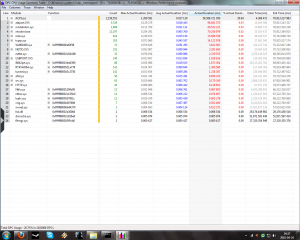
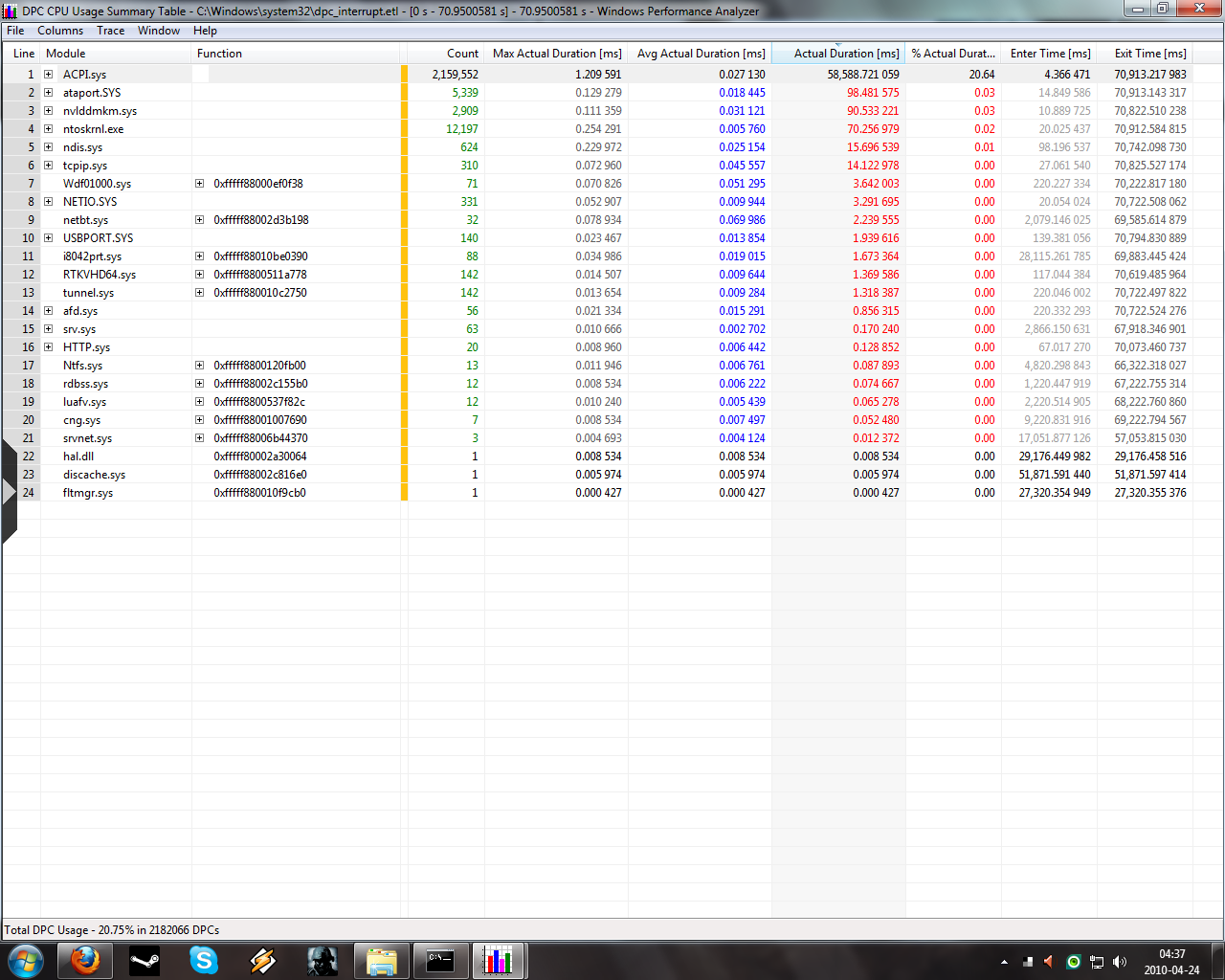
  3. I ran your guide and after some picking and poking I found out that is the ACPI.sys thats tearing my pc apart. Could someone help me with the next step please :=)
Account

Navigation

Configure browser push notifications

Chrome (Android)
  1. Tap the lock icon next to the address bar.
  2. Tap Permissions → Notifications.
  3. Adjust your preference.
Chrome (Desktop)
  1. Click the padlock icon in the address bar.
  2. Select Site settings.
  3. Find Notifications and adjust your preference.