-
@cdob sort.txt iso_list.rar ramboot.rar
-
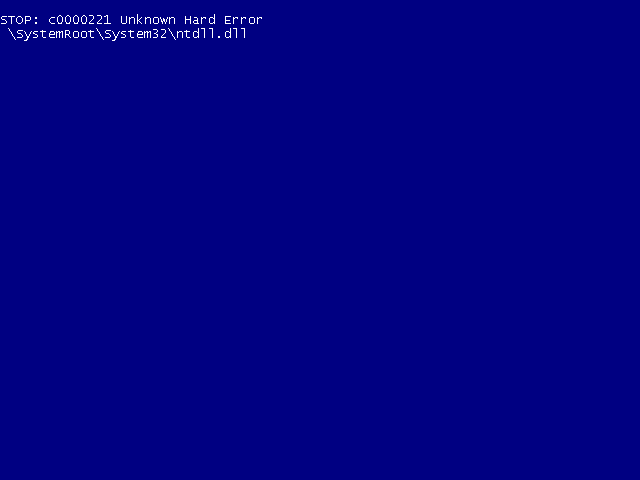
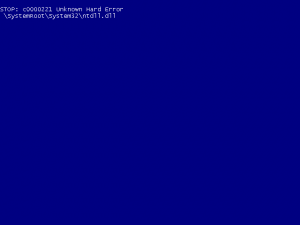
I put that number 153,880 Installation begins to run until the stage of the setup is starting windows Then I get this screen
-
Now it worked well But where it says to me the number I need to register in menu.lst Total translation table size: 2048 Total rockridge attributes bytes: 0 Total directory bytes: 1073716 Path table size(bytes): 4712 Max brk space used 480000 335264 extents written (654 MB) RAMload 315146240 RamLoadSectors 153880 FileSize 172 rawwrite dd for windows version 0.5. Written by John Newbigin <jn@it.swin.edu.au> This program is covered by the GPL. See copying.txt for details 172+0 records in 172+0 records out
-
I use the classification to install on a computer without enough RAM File txtsetup.sif is there I do not know why this warning has
-
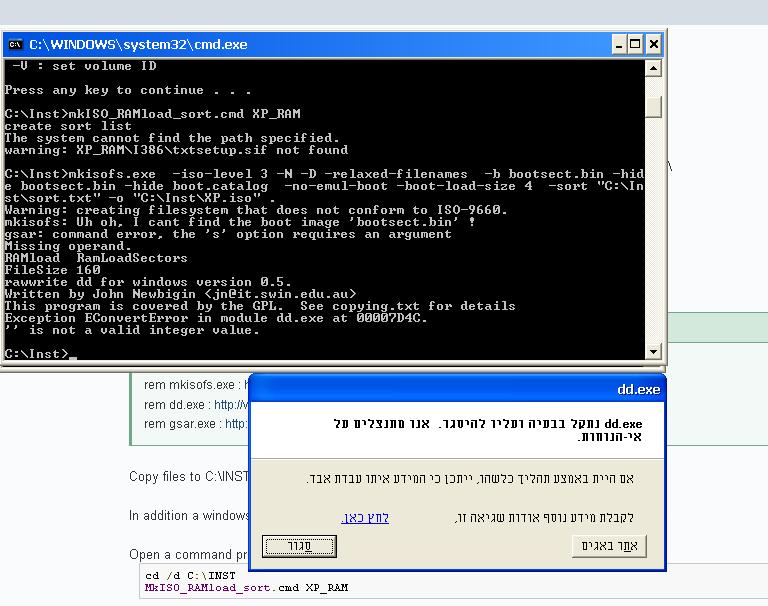
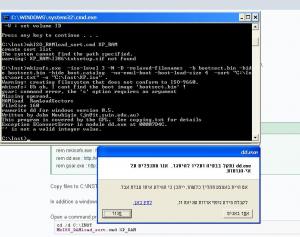
@cdob I did all what you wrote And that begins to work But the software gives an error and DD stopped
-
When I run the file I get the error I wrote up 1. Do I need to edit the file or something 2. I have these files of course
-
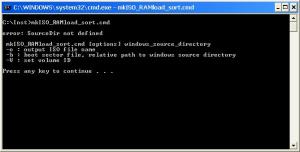
I run the file MkISO_RAMload_sort.cmd and get the error this ============ error: SourceDir not defined MkISO_RAMload_sort.cmd [options] Windows_source_directory -o: output ISO file name -b: boot sector file, relative path to windows source directory V: set volume ID Press any key to continue. . . ===========
-
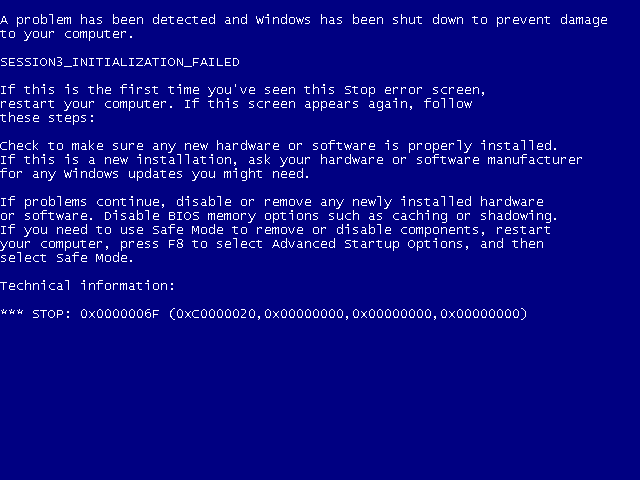
I get a blue screen running the installation I did not know what to do with the file MkISO_RAMload_sort.cmd What I did do I took the file SETUP.EX_ Extract it using the command Expand.exe SETUP.EX_ SetupORG.exe Put the file in a file XP_INST.IMA SetupORG.exe Path \ setup \ i386 I created a folder called Inst under C: / I put the two files XP_RAM.ISO XP_INST.IMA I changed my menu.lst title Loading XP RAM install - / Inst / XP_RAM.ISO (0xFE) 234,567 ls / Inst / XP_RAM.ISO find - set-root / Inst / XP_RAM.ISO map - mem / Inst / XP_INST.IMA (Fd0) map / Inst / XP_RAM.ISO (0xFE) map - hook map - mem (0xFE) 234,567 (0xFF) map - hook Chainloader (0xFF) / I386/SETUPLDR.BIN I turned on the computer through Grab I chose the installation and started running Then I received this blue screen Where I missed?