-
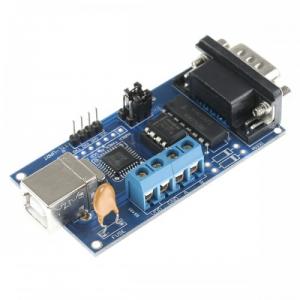
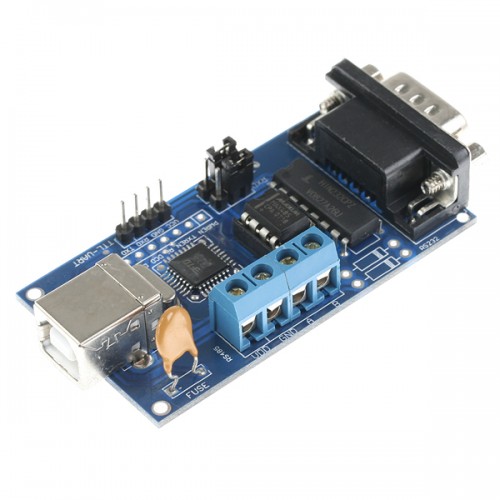
Hi all, I've got a Seagate Barracuda 7200.11 here, which stopped working. I didn't drop it or something, it was just mounted in my workstation, which refused to boot windows 7 x64 overnight. The device does not make any strange noises, so I do not suspect a headcrash or something like that. A bit of googling brought up this thread, for which I now suspect the famous BSY error, as my device is not even detected during POST anymore. So I've bought a USB RS232 to TTL adapter and wired everything up, as described by @Gradius2. Unfortunately I am not able to see the F3 T> prompt, connecting with putty to my serial port. Pressing Ctrl-z just causes nothing. I tried flying over the 124 pages in this thread and already checked the following: - RS232 is configured to 38400 8 N 1. - RX is not mixed with TX. - Disconnecting the PCB completely or partly doesn't help. Any ideas left? Thanks a lot in advance!