



Skip to content
View in the app

A better way to browse. Learn more.

MSFN

A full-screen app on your home screen with push notifications, badges and more.

To install this app on iOS and iPadOS
  1. Tap the Share icon in Safari
  2. Scroll the menu and tap Add to Home Screen.
  3. Tap Add in the top-right corner.
To install this app on Android
  1. Tap the 3-dot menu (⋮) in the top-right corner of the browser.
  2. Tap Add to Home screen or Install app.
  3. Confirm by tapping Install.

rasi34

Member
  • Joined

  • Last visited

  • Country

    United States
  1. rasi34 replied to rasi34's topic in nLite
    I've been working with it, and may have it figured out. I'm using the Nlite program, when I make the ISO file with all my patches and hotfixes I don't get the message, I created another ISO file with just the driver packs I get the blue screen error message. I may have to leave the drivers out of the installation, or try to figure out which one is causing the problems. Thanks again for your help
  2. rasi34 posted a topic in nLite
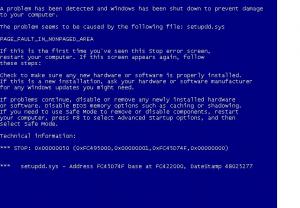
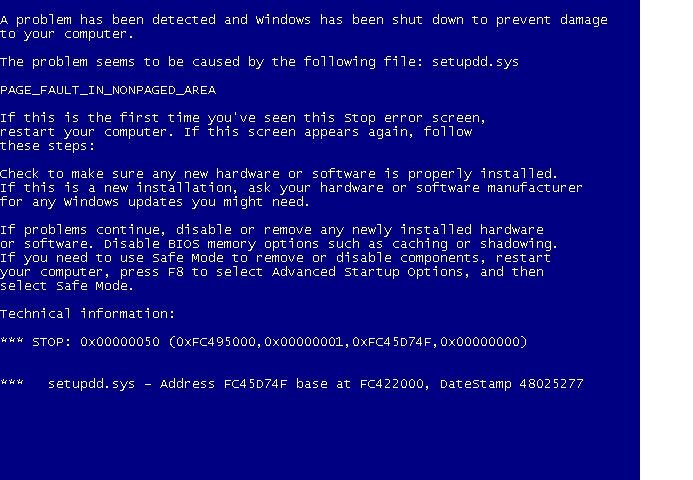
    Hello everyone, I am having a problem while trying to create an unattended xp cd. I get all the way up to the part where the files are being copied to the windows folder and as soon as I finish with that I get a "setupdd.sys" error. A blue screen comes up and says "A problem has been detected and windows has been shut down to prevent damage to your computer. The problem seems to be caused by the following file: setupdd.sys PAGE_FAULT_IN_NONPAGED_AREA" has anyone else encounted this problem? I would appreciate any help. Thanks
Account

Navigation

Configure browser push notifications

Chrome (Android)
  1. Tap the lock icon next to the address bar.
  2. Tap Permissions → Notifications.
  3. Adjust your preference.
Chrome (Desktop)
  1. Click the padlock icon in the address bar.
  2. Select Site settings.
  3. Find Notifications and adjust your preference.