



Skip to content
View in the app

A better way to browse. Learn more.

MSFN

A full-screen app on your home screen with push notifications, badges and more.

To install this app on iOS and iPadOS
  1. Tap the Share icon in Safari
  2. Scroll the menu and tap Add to Home Screen.
  3. Tap Add in the top-right corner.
To install this app on Android
  1. Tap the 3-dot menu (⋮) in the top-right corner of the browser.
  2. Tap Add to Home screen or Install app.
  3. Confirm by tapping Install.

TheShoura

Member
  • Joined

  • Last visited

  • Country

    United States
  1. As arbitrary and (probably anoying) as that was I really thank you - I did not see that
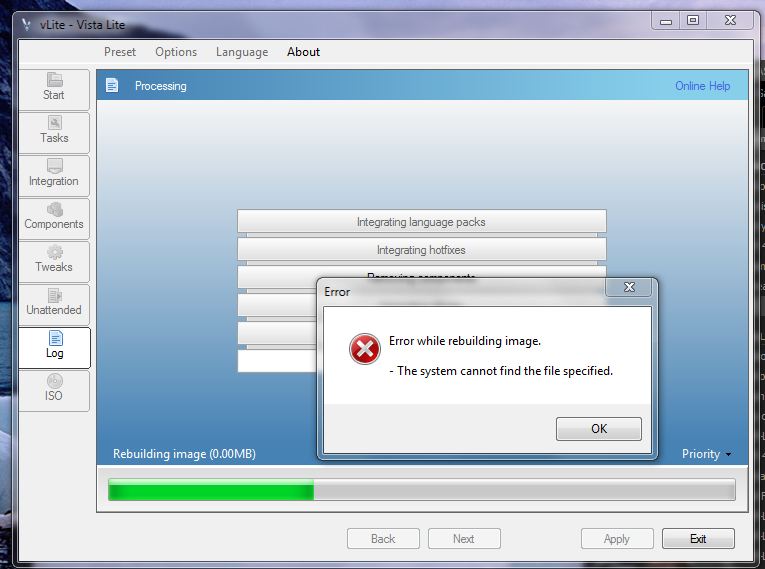
  2. Plain and simple.. any idea how I fix this? lol check the attatched pic. I hit OK, and it continues to "finalize" the disk however it fails to install when I boot up and try to install
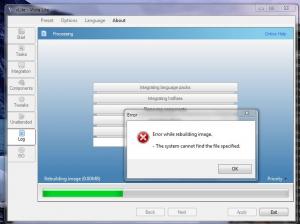
  3. Okay I found 7Customizer that seems to work however the whole Idea that I want to mod my Windows 7 install is to make the footprint smaller vlite seems to work on my Professional disk however I recently was given MSDN access and now have Enterprise and vLite isn't working anymore Is there a program that I can do what vLite does in terms of making the IMG/install footprint smaller? I have a small SSD and every gb is precious
Account

Navigation

Configure browser push notifications

Chrome (Android)
  1. Tap the lock icon next to the address bar.
  2. Tap Permissions → Notifications.
  3. Adjust your preference.
Chrome (Desktop)
  1. Click the padlock icon in the address bar.
  2. Select Site settings.
  3. Find Notifications and adjust your preference.