



Skip to content
View in the app

A better way to browse. Learn more.

MSFN

A full-screen app on your home screen with push notifications, badges and more.

To install this app on iOS and iPadOS
  1. Tap the Share icon in Safari
  2. Scroll the menu and tap Add to Home Screen.
  3. Tap Add in the top-right corner.
To install this app on Android
  1. Tap the 3-dot menu (⋮) in the top-right corner of the browser.
  2. Tap Add to Home screen or Install app.
  3. Confirm by tapping Install.

Messiah24

Member
  • Joined

  • Last visited

  • Country

    Spain
  1. While you wait, you may use the time for getting a camera capable of making a picture that is not an out-of-focus blurring example! jaclaz I'm sorry for the picture quality but I can't put more than 200kb and the image is made with a mobile phone. Thanks for the answer, look at what you said.
  2. I opened and saw the following circuit image. Have 5 cable, black, red, green, blue and white. For more information: http://europe.nokia.com/get-support-and-so...compatibilities and http://www.amazon.co.uk/Nokia-CA-70-USB-ch...e/dp/B000GJ8GP6. Please wait for a response
  3. Please can someone help me with my problem? I have the CA-70 Bluestar instead of the CA-42. I would also repair the hard drive?? Thanks
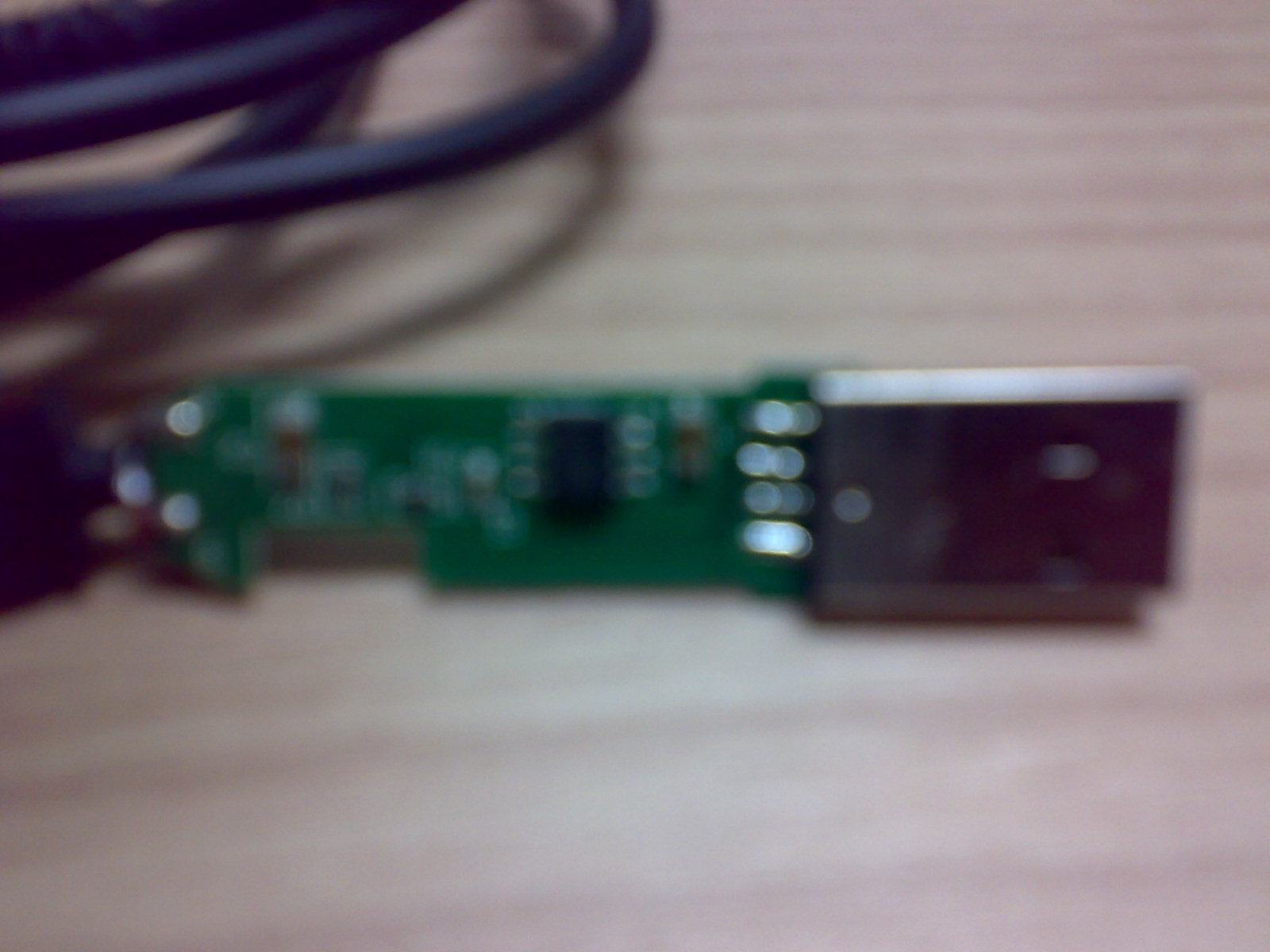
  4. I have the CA-70 Bluestar instead of the CA-42. I would also repair the hard drive?? Thanks

Account

Navigation

Configure browser push notifications

Chrome (Android)
  1. Tap the lock icon next to the address bar.
  2. Tap Permissions → Notifications.
  3. Adjust your preference.
Chrome (Desktop)
  1. Click the padlock icon in the address bar.
  2. Select Site settings.
  3. Find Notifications and adjust your preference.