Skip to content
View in the app

A better way to browse. Learn more.

MSFN

A full-screen app on your home screen with push notifications, badges and more.

To install this app on iOS and iPadOS
  1. Tap the Share icon in Safari
  2. Scroll the menu and tap Add to Home Screen.
  3. Tap Add in the top-right corner.
To install this app on Android
  1. Tap the 3-dot menu (⋮) in the top-right corner of the browser.
  2. Tap Add to Home screen or Install app.
  3. Confirm by tapping Install.

Mikuro

Member
  • Joined

  • Last visited

  • Country

    New Zealand
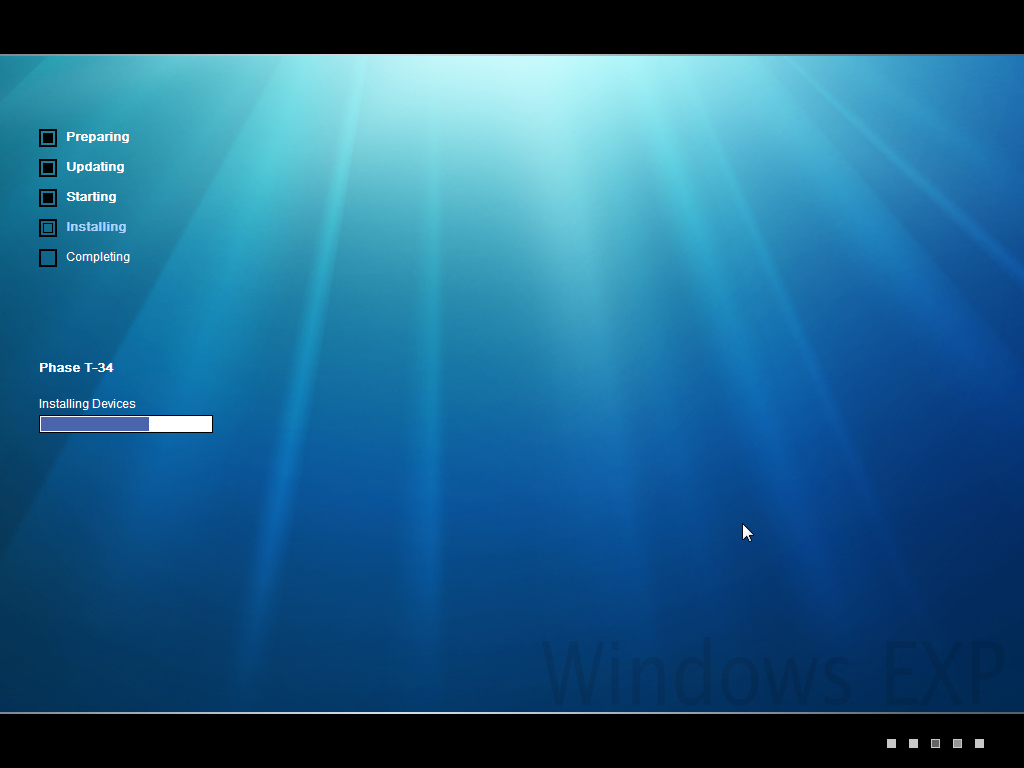
  1. How do I go about editing HKU\.DEFAULT (or other HKU entries) in the registry during textmode? I've been using my own HIVE*.INF files for a while, but whenever i attempt to use HKU entries, setup will fail showing this: I've looked around the forums, but haven't found quite what i'm after. Any help/feedback is appreciated. EDIT: I've figured it out, the HKCU in textmode is actually HKU\.DEFAULT where in GUI setup its the Default user profile. (just adding what i want as HCKU... in HIVEDEF.INF) Also, i've found the .DEFAULT part is copied to the default user profile at some point after textmode, then added to during GUI mode, so anything added to .DEFAULT in textmode becomes present in the default user also. now my setup has xga res, cleartype font smoothing, and windows 7 cursors!
Account

Navigation

Search

Search

Configure browser push notifications

Chrome (Android)
  1. Tap the lock icon next to the address bar.
  2. Tap Permissions → Notifications.
  3. Adjust your preference.
Chrome (Desktop)
  1. Click the padlock icon in the address bar.
  2. Select Site settings.
  3. Find Notifications and adjust your preference.