-
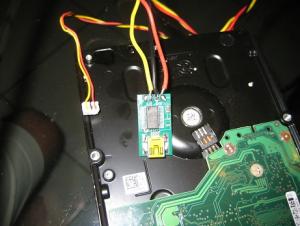
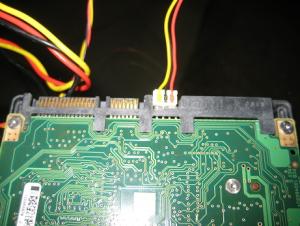
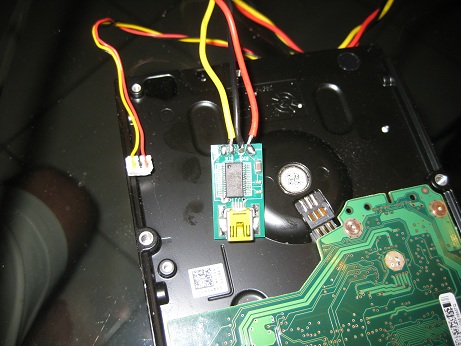
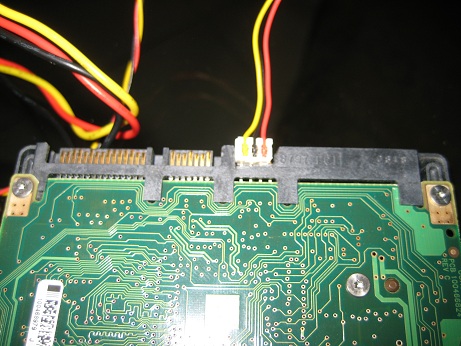
I have a 1TB that got the BSY error about 2 weeks ago. I took this opportunity to switch to RAID 5, buy 3 new 1TB HITACHI drives and migrate to Windows 7. I appreciate everyones input on this fix. I did the procedure and I was able to resurrect the drive long enough to grab my data and update the firmware. Unfortunately, my drive started clicking during windows boot (at exactly the same point every boot) and it would force a reboot. So windows never starts with that drive in the RAID array. I had to remove it. I'm gonna try a low level format and see if that fixes the drive. I really don't care as I have my data and my new RAID setup doesn't include any seagates. Here are some pics from the electrical components I used to fix the drive. I went rummaging around my wire drawer and found an old FAN cable with connector and 3 wires which fit almost perfectly on the drive. I had to cut out the grey plastic molding around the serial port on the drive but it doesn't affect anything.