Skip to content
View in the app

A better way to browse. Learn more.

MSFN

A full-screen app on your home screen with push notifications, badges and more.

To install this app on iOS and iPadOS
  1. Tap the Share icon in Safari
  2. Scroll the menu and tap Add to Home Screen.
  3. Tap Add in the top-right corner.
To install this app on Android
  1. Tap the 3-dot menu (⋮) in the top-right corner of the browser.
  2. Tap Add to Home screen or Install app.
  3. Confirm by tapping Install.

CalFoster

Member
  • Joined

  • Last visited

  • Country

    United Kingdom

Everything posted by CalFoster

  1. Because I have used the CD on a number of PC's and really could do with the send to option working. Do you know if IE7 has a copy of OE installed or does it install it?
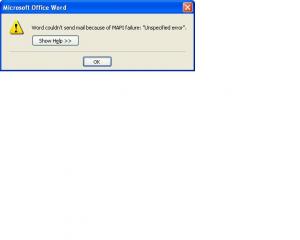
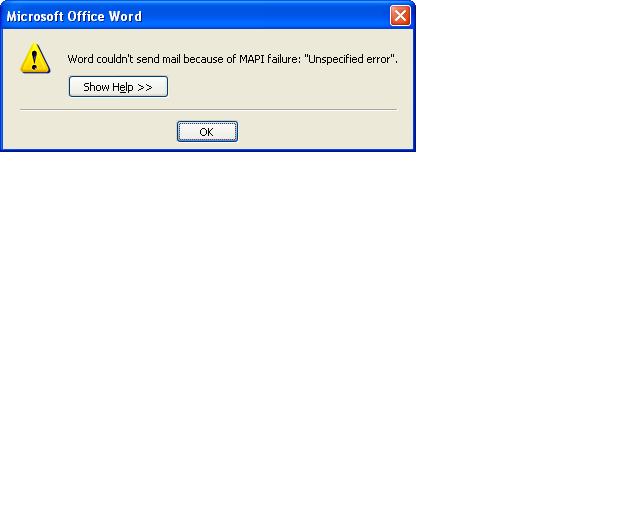
  2. Hi, I used the nLite software to remove certain programs, such as Outlook Express, MSN Messenger etc. However, it appears that when you remove Outlook Express using the nLite software it buggers up the send to commands within Windows and Microsoft Office. Attached is a screen shot of the error. To prove that this was the case, I re-created a slipstream and left Outlook Express on, that worked. So does anyone have any ideas how to re-install it, as it doesn't appear in Add/Remove Windows Components. Thanks Cal


Account

Navigation

Configure browser push notifications

Chrome (Android)
  1. Tap the lock icon next to the address bar.
  2. Tap Permissions → Notifications.
  3. Adjust your preference.
Chrome (Desktop)
  1. Click the padlock icon in the address bar.
  2. Select Site settings.
  3. Find Notifications and adjust your preference.