Skip to content
View in the app

A better way to browse. Learn more.

MSFN

A full-screen app on your home screen with push notifications, badges and more.

To install this app on iOS and iPadOS
  1. Tap the Share icon in Safari
  2. Scroll the menu and tap Add to Home Screen.
  3. Tap Add in the top-right corner.
To install this app on Android
  1. Tap the 3-dot menu (⋮) in the top-right corner of the browser.
  2. Tap Add to Home screen or Install app.
  3. Confirm by tapping Install.

Kolich

Member

Everything posted by Kolich

  1. me worked.............i do it, this a security of internet explorer must be most lonely and will be worked.
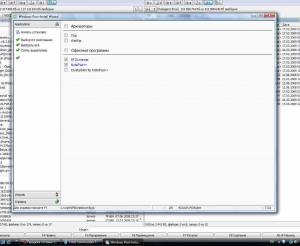
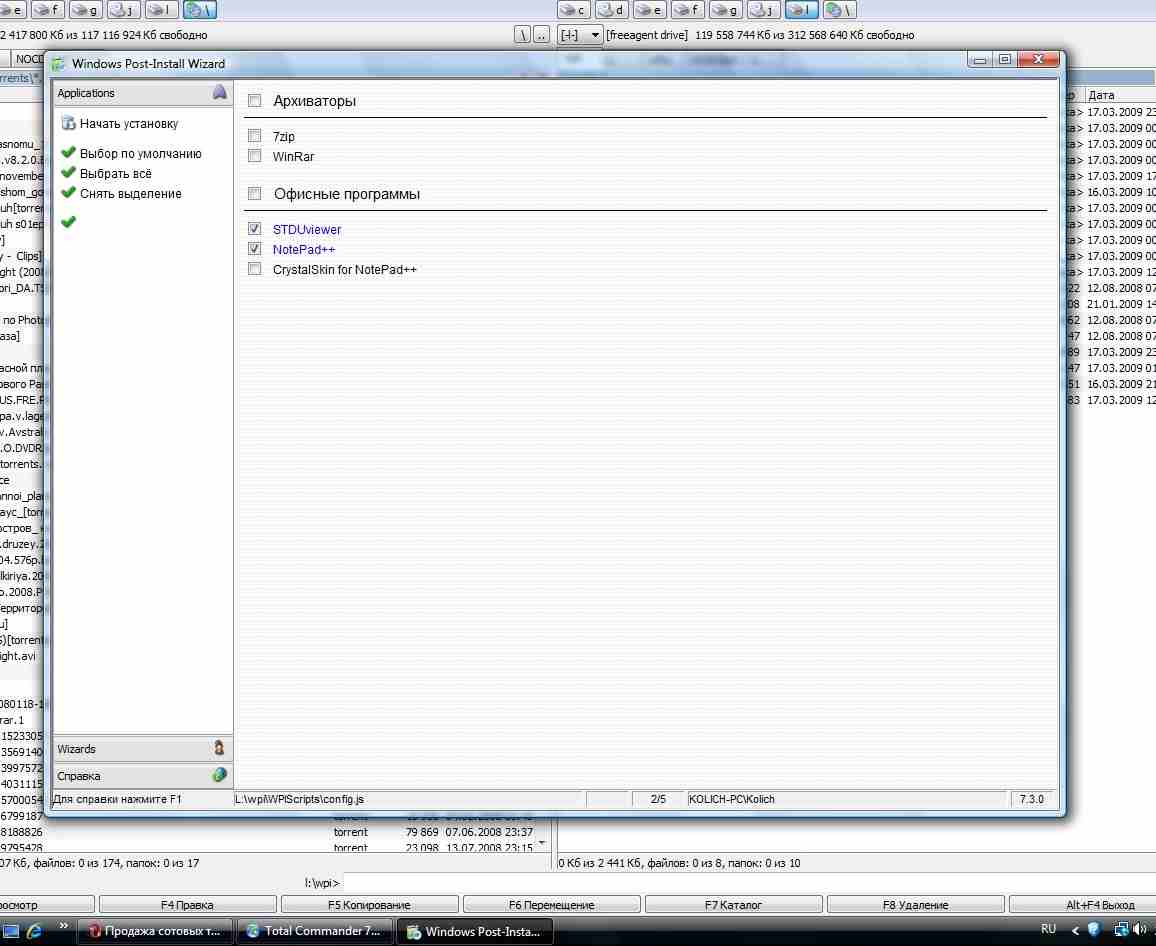
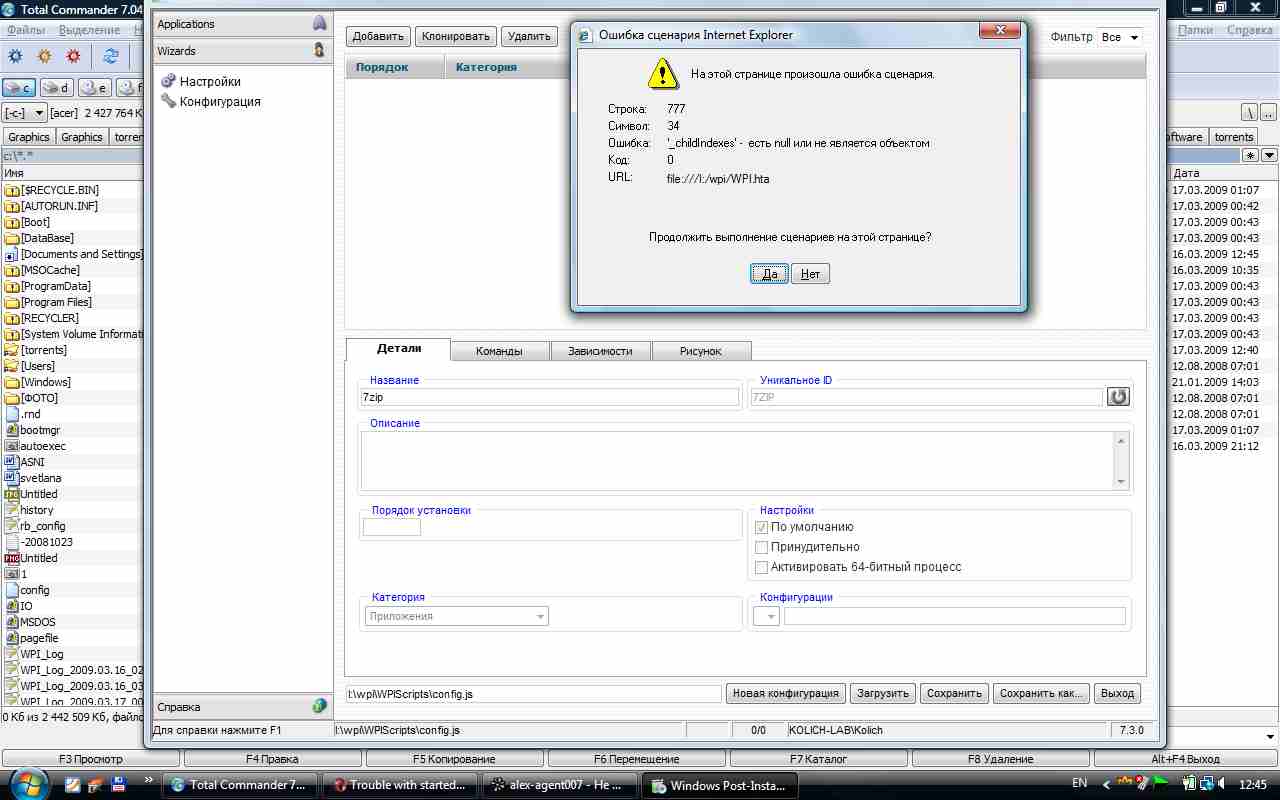
  2. I have reproduced the previous error, I put pictures of the screen and a config. config.js
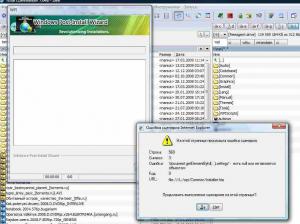
  3. sorry im deleted this config, but me now starting create a new config and give error on screen at the moment after wroten me a name installing program and clicking cursor of mouse on Description. Im using wpi v.7.3.0 but config created including thats all: im using now vista 32bit ultimate P.S.: or before add a program to wpi-ME CREATE A NEW CONFIG???
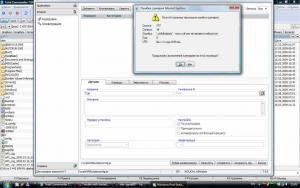
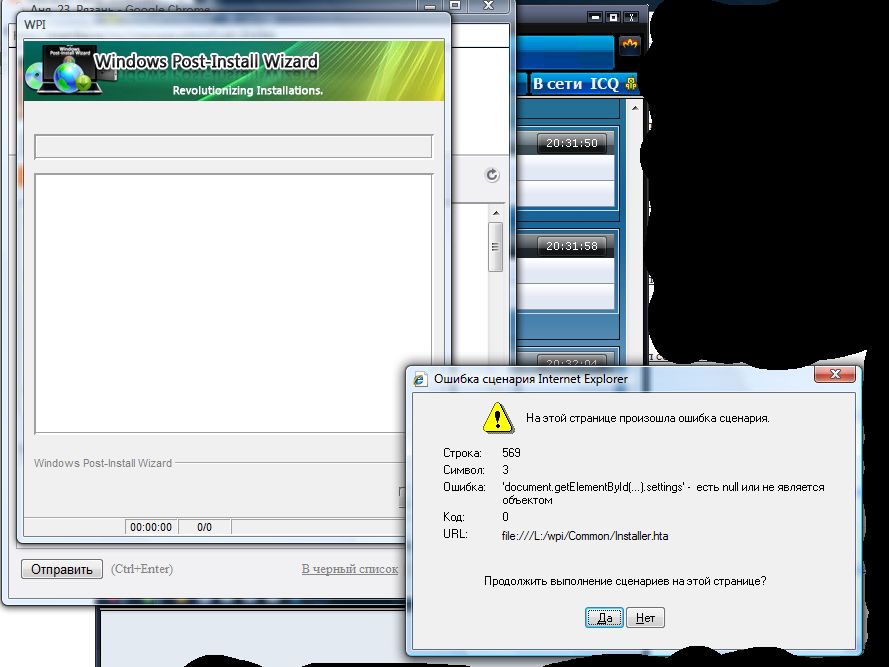
  4. This trouble we all see on my attach screen. This trouble will start before im will click on button "START INSTALLATION" in wpi. ihave 64bit windows vista ultimate
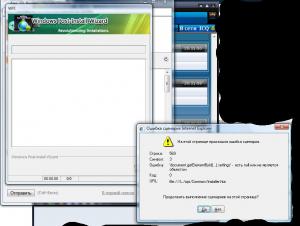
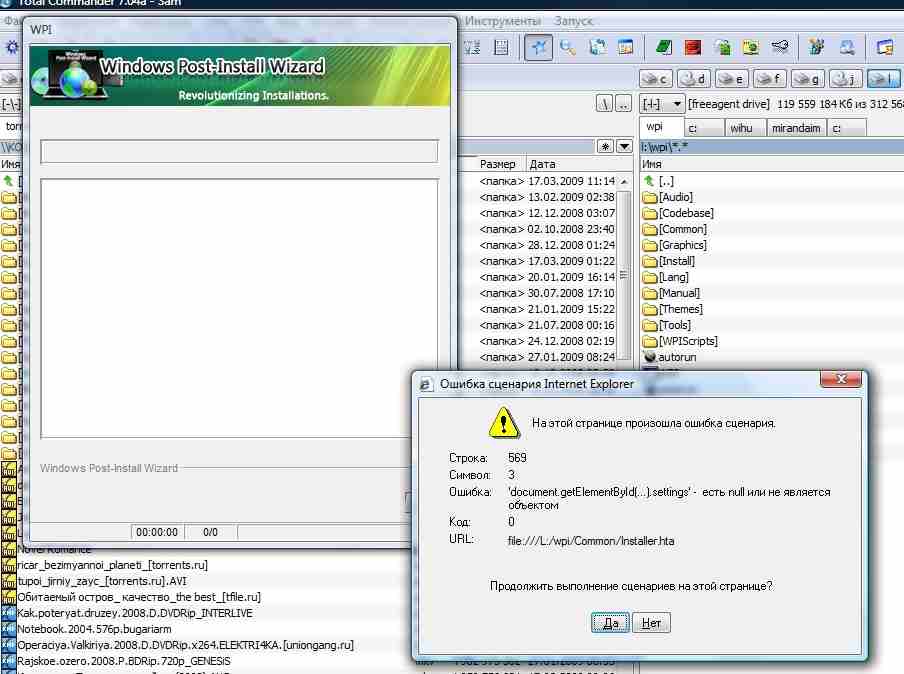
Account

Navigation

Configure browser push notifications

Chrome (Android)
  1. Tap the lock icon next to the address bar.
  2. Tap Permissions → Notifications.
  3. Adjust your preference.
Chrome (Desktop)
  1. Click the padlock icon in the address bar.
  2. Select Site settings.
  3. Find Notifications and adjust your preference.