Skip to content
View in the app

A better way to browse. Learn more.

MSFN

A full-screen app on your home screen with push notifications, badges and more.

To install this app on iOS and iPadOS
  1. Tap the Share icon in Safari
  2. Scroll the menu and tap Add to Home Screen.
  3. Tap Add in the top-right corner.
To install this app on Android
  1. Tap the 3-dot menu (⋮) in the top-right corner of the browser.
  2. Tap Add to Home screen or Install app.
  3. Confirm by tapping Install.

pzzgtx

Member
  • Joined

  • Last visited

  • Country

    Spain
  1. Al final me compré en Ebay un cable CA-42 y siguiendo los pasos de Pichi, he conseguido recuperar todos mis datos del disco duro. Gracias a todos y en especial a Pichi ---------------------------------------------------------------- In the end I bought on Ebay a CA-42 and following in the footsteps of Pichi, I've managed to recover all my data on the hard disk. Thank you all and especially to Pichi
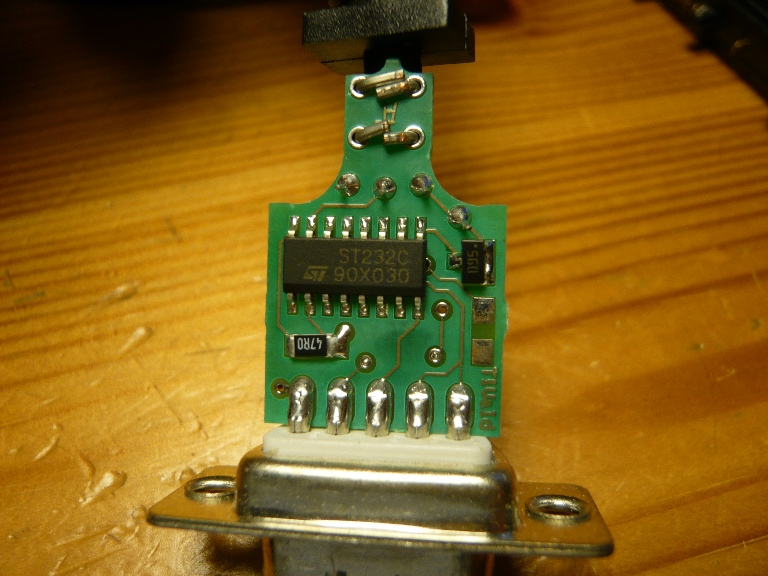
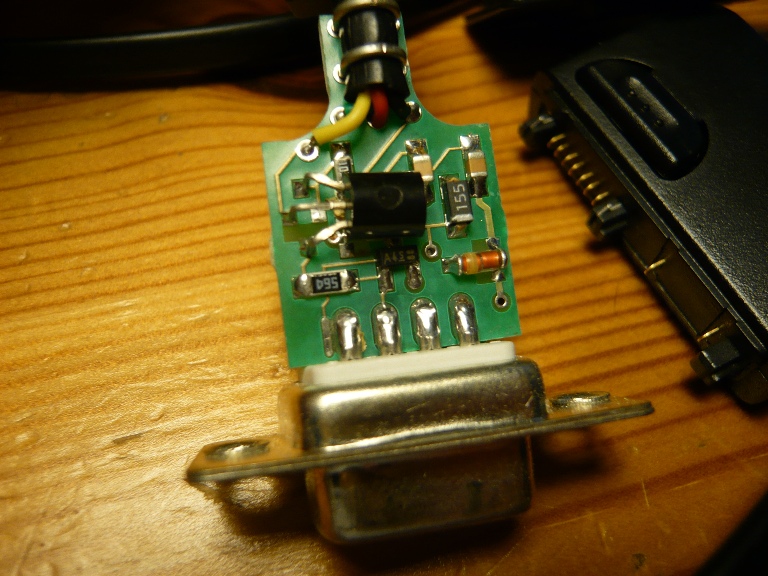
  2. Hi !! sorry for my english... can i use this chip to fix de bug in my Seagate? I see st232c. This is max232 chip? second image
Account

Navigation

Configure browser push notifications

Chrome (Android)
  1. Tap the lock icon next to the address bar.
  2. Tap Permissions → Notifications.
  3. Adjust your preference.
Chrome (Desktop)
  1. Click the padlock icon in the address bar.
  2. Select Site settings.
  3. Find Notifications and adjust your preference.