



Skip to content
View in the app

A better way to browse. Learn more.

MSFN

A full-screen app on your home screen with push notifications, badges and more.

To install this app on iOS and iPadOS
  1. Tap the Share icon in Safari
  2. Scroll the menu and tap Add to Home Screen.
  3. Tap Add in the top-right corner.
To install this app on Android
  1. Tap the 3-dot menu (⋮) in the top-right corner of the browser.
  2. Tap Add to Home screen or Install app.
  3. Confirm by tapping Install.

fisolle

Member
  • Joined

  • Last visited

  • Country

    Sweden
  1. Yes, I'm sure that I'm using the right language pack. What else could be wrong?
  2. Any one? I really can't figure this out!
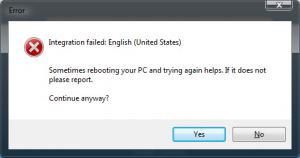
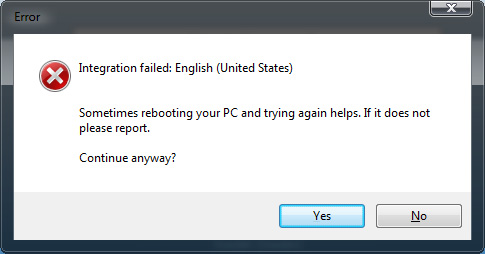
  3. Whenever I try to integrate a language pack I get the error: Integration faild: English (United States) Sometimes rebooting your PC and trying again helps. If it doesn't please report. Continue anyway? Yes / No I've tried with 3 diffrent install-discs, and with diffrent Language packs. But I always get the error. Yes, I've tried to reboot.. (Vista Ultimate SP1 x64) Please help!
  4. Oh, I see! What if I would like to keep two of the versions?
  5. Hi! I need to decrease the size of my dvd. Can I remove all the versions -but- the Ultimate? How?
Account

Navigation

Configure browser push notifications

Chrome (Android)
  1. Tap the lock icon next to the address bar.
  2. Tap Permissions → Notifications.
  3. Adjust your preference.
Chrome (Desktop)
  1. Click the padlock icon in the address bar.
  2. Select Site settings.
  3. Find Notifications and adjust your preference.