



Skip to content
View in the app

A better way to browse. Learn more.

MSFN

A full-screen app on your home screen with push notifications, badges and more.

To install this app on iOS and iPadOS
  1. Tap the Share icon in Safari
  2. Scroll the menu and tap Add to Home Screen.
  3. Tap Add in the top-right corner.
To install this app on Android
  1. Tap the 3-dot menu (⋮) in the top-right corner of the browser.
  2. Tap Add to Home screen or Install app.
  3. Confirm by tapping Install.

jhoyos

Member
  • Joined

  • Last visited

  • Country

    Spain
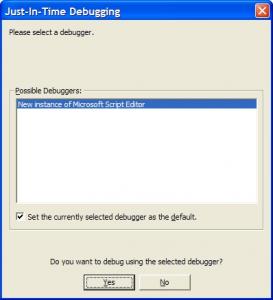
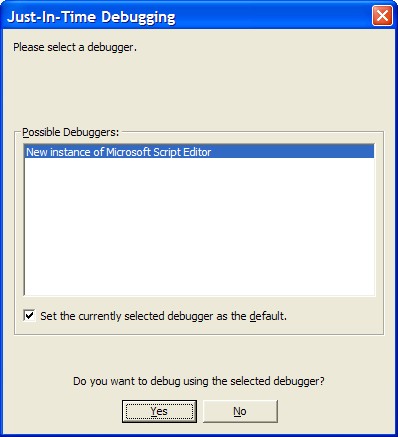
  1. Hi, I just followed instructiong to configure WPI and everything seems to go well until I press the Install bouton. I just apears a pop up window called "Just-in-time debugging", that says: Please, select a debugger: "New instance of Microsoft Script editor" - Do you want to debug using the selected debugger? If I press no, it ends there, and if I press yes, I have some windows that have no idea what is going on. Could anyone tell me what I should do or where could be the problem? Thanks in advance.
Account

Navigation

Configure browser push notifications

Chrome (Android)
  1. Tap the lock icon next to the address bar.
  2. Tap Permissions → Notifications.
  3. Adjust your preference.
Chrome (Desktop)
  1. Click the padlock icon in the address bar.
  2. Select Site settings.
  3. Find Notifications and adjust your preference.