-
Hi and thanks for all your help I've received! But it does not look like it will work for me. It not followed any Vista DVD wheni bought this PC, so I had to create a one after the PC was installed. On the DVD I burned itself, I found only a file that was ending. WIM, it was "BOOT.WIM". So i must buy a Vista DVD to make a Vista vlite version ?
-
I can still the same error message when I did as you wrote. Could it be something with the contents of the dvd `one? "create factory default disc" I chose when I made dvd `a, for it is correct?
-
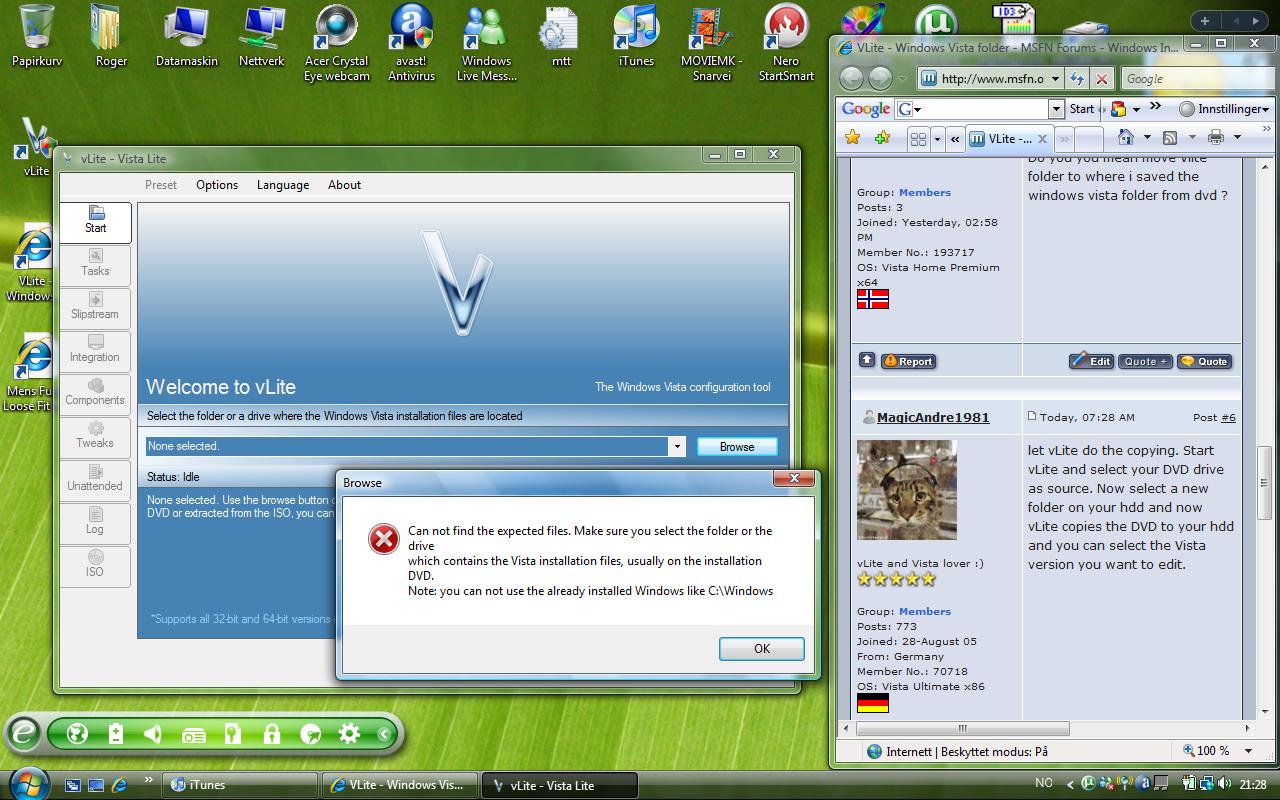
It will not work for me :/ Here I copy the picture screen and the message i get every time i try to open a folder. (Sorry my bad english)
-
what do you mean with direct ? Do you you mean move Vlite folder to where i saved the windows vista folder from dvd ?
-
Now i have done it, but still Vlite cant find the windows files. Hmm..
-
I have problem to find the windows vista folder to use Vlite. I have tried c:/windows and many more..