Skip to content
View in the app

A better way to browse. Learn more.

MSFN

A full-screen app on your home screen with push notifications, badges and more.

To install this app on iOS and iPadOS
  1. Tap the Share icon in Safari
  2. Scroll the menu and tap Add to Home Screen.
  3. Tap Add in the top-right corner.
To install this app on Android
  1. Tap the 3-dot menu (⋮) in the top-right corner of the browser.
  2. Tap Add to Home screen or Install app.
  3. Confirm by tapping Install.

sk.phd@live.com

Member
  • Joined

  • Last visited

  • Country

    Pakistan
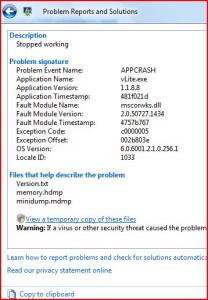
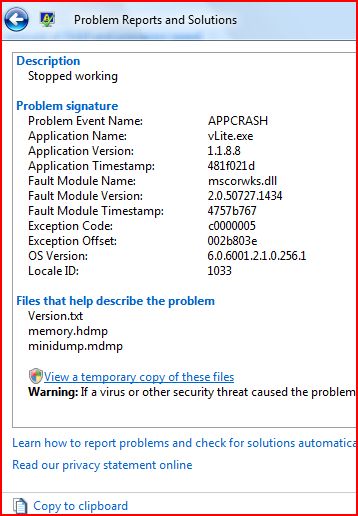
  1. Upon execution of any task of Vlite GUI Button for example it will crash as soon as i click OPTION Button. LIKELY any Button as About. Thanks for Consideration.
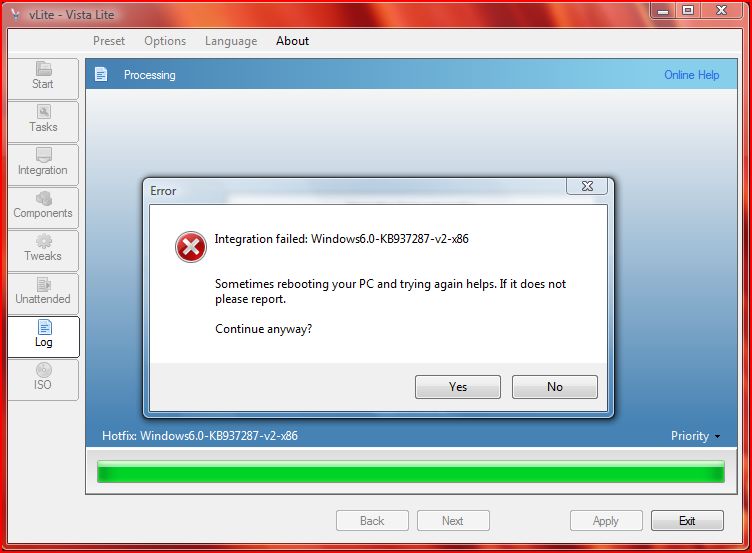
  2. please fix it vlite team. Windows6.0-KB938371-v2-x86 without any error integrated its v2 of the sp1 update. please reread i want to add v2 of the said fix.
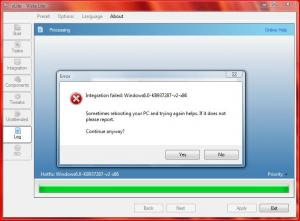
  3. I have tested the two machines in concerned issue but RTM version updated with SP1 in standard way has not it. I think a bug remains in Vlited Vista ultimate x86 edition. Please note i did just Slipstream. I did not modify any thing of tweak. I rebuild the image and burned. Please tell me what to do with it?
Account

Navigation

Configure browser push notifications

Chrome (Android)
  1. Tap the lock icon next to the address bar.
  2. Tap Permissions → Notifications.
  3. Adjust your preference.
Chrome (Desktop)
  1. Click the padlock icon in the address bar.
  2. Select Site settings.
  3. Find Notifications and adjust your preference.