-
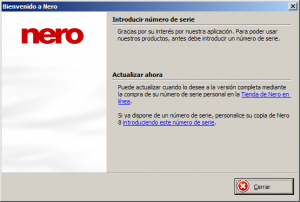
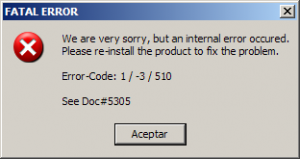
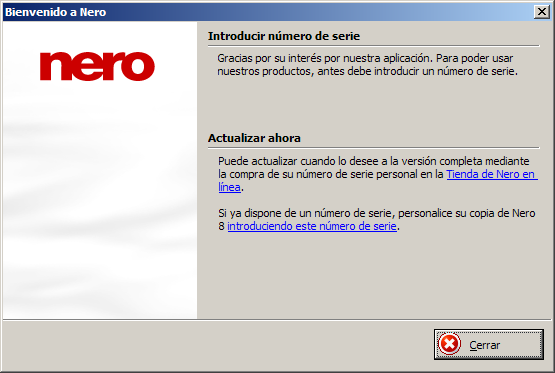
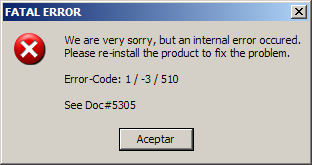
Hi all, I'm writting this message because I've troubles installing Nero Lite silently since I've tried 8.3.13.0 version. I've revised my command line setting once and once again and it seems to fail (attached image nero004.png). I use this command: start /wait nero-8.3.13.0_europe_lite_build_1.18.0.1.exe /VERYSILENT /SUPPRESSMSGBOXES /NORESTART /SP- /SERIAL="XXXX-XXXX-XXXX-XXXX-XXXX-XXXX-XXXX" /USER="User" /COMPANY="Nero" /TYPE="Full" After this, I've deleted "Nero" & "Ahead" keys in the registry. If I try to install Nero Lite NOT silently, I can install it but seems that not stores serial settings in the registry. When I open Nero Express or Nero Burning Rom a screen is show notifying that demo version has expired (attached image nero001.png) Whe I add serial number through Nero Conrol Center it works. What can i do/try??? Thanks in advance P.D: I seems that nero 8.3.6.0 installer have the same problem now.