Everything posted by urian
-
Hello i found in the office 2003 for example http://word.mvps.org/FAQs/General/ExcludeWordFromDic.htm if i remove the file MSSP3EN.LEX the diccionary disable, but in the office 2007 i remove this file and the dictionary works.
-
Sorry i need delete de file auto correct because i need install office in 300 computer for a exam, and in the exam the can´t use the auto correct. I need delete the file in de folder of office or disable the button, i don´t know.
-
Hello i need delete spell ( auto correction) in the word 2007 or complete office, because i need install distribution in a class for a exam. I search in the files but i dont found. Can you help me please is urgent for me. Sorry for my english. Thanks
-
Thank you i begin the windows again and i public the news
-
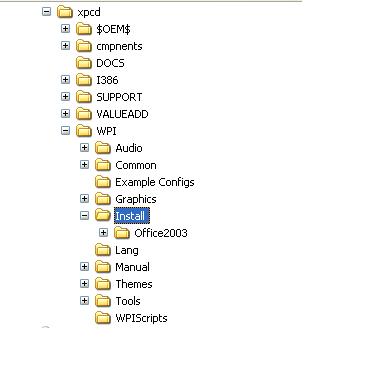
I try with /qn and not works it's the same error. I copy the folder wpi again and unnatended with office resource tools kit d:\xpcd\wpi\install\office2003\setup.exe and in the folder office unattended.mst What can be what I do wrong?
-
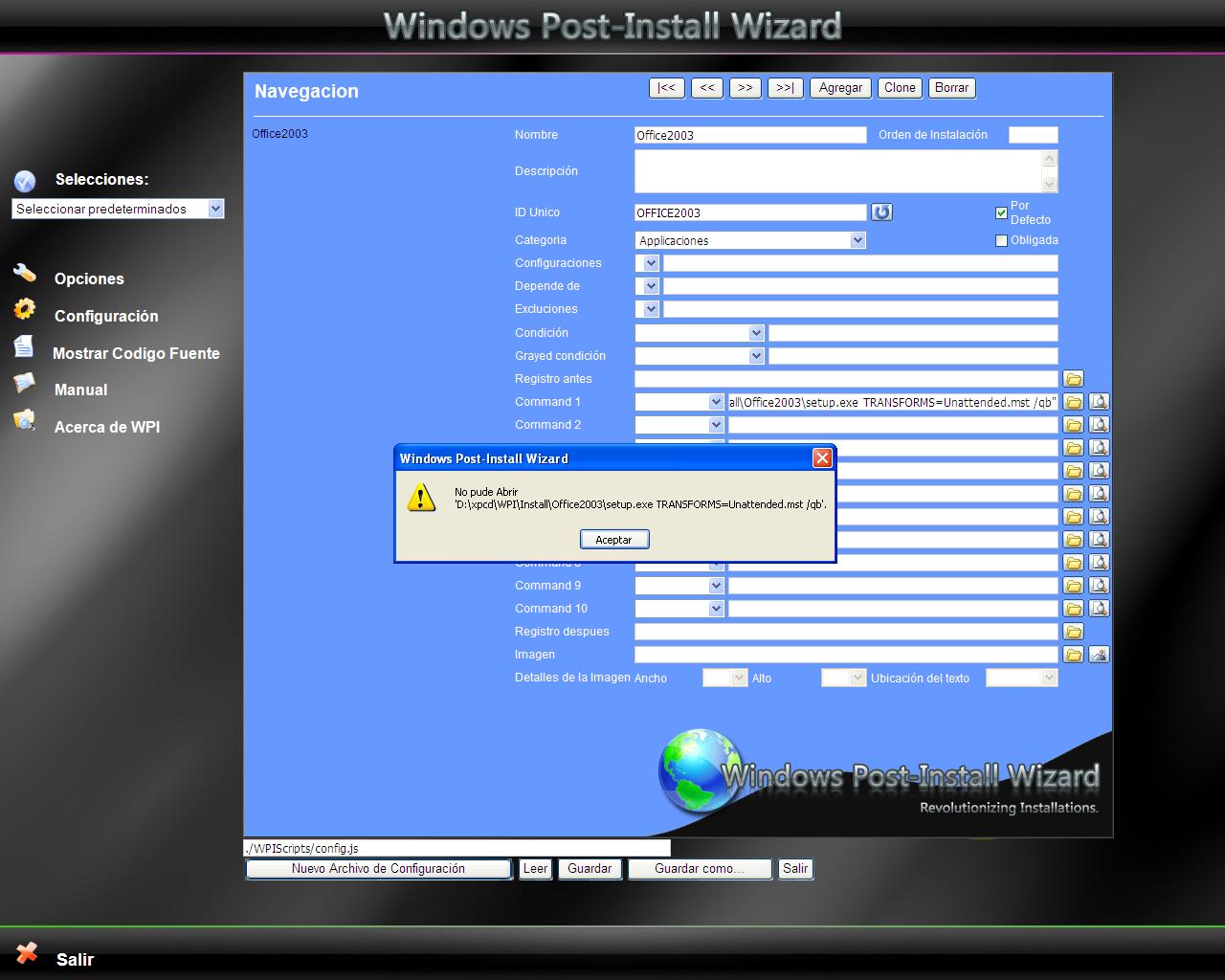
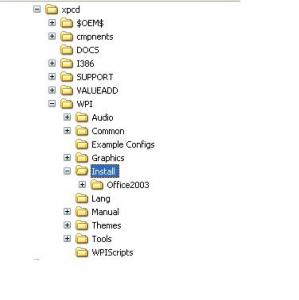
Sorry i can't install office, in the pictures i teach my error, and i write de comand line in wpi.hta its ok? I wish test the installation before install windows but can´t remove this error. sorry again and Thanks. in the folder $oem$\$1 $oem$\$$ \$docs all is empty except in the $oem$ folder is runwpi.exe and the cmdlines.txt
-
Hello i change the lines "%wpipath%\install\office2003\setup.exe TRANSFORMS=Unattended.MST /qb" but /qb or /qb- and writ the ""? i copy the folder D:\xpcd\WPI\Install\Office2003 a inside setup.exe and Unattended.MST Can i test the Installation before install windows? I test with the button in the wpi but get a message cant open the file d:\xpcd\wpi\install\office2003\setup.exe TRANSFORMS=Unattended.MST /qb- Thank you for your help
-
Hello, the first sorry because my english is a bit bad, i wish you undersntand me. (If someone write spanish my email is ayuda.usuarios@gmail.com -- thanks--) I'm trying integrate office 2003 in windows xp unnattended, i create Unattended.MST in D:\xpcd\$OEM$\$1\Install\Applications\Office2003\office.cmd When i configure the in wpi.hta D:\xpcd\WPI i write "%root%\$OEM$\$1\Install\Applications\Office2003.cmd" but when i install windows office not boot. I create the office.cmd and inside:cmdow @ /HID ECHO. ECHO Instalando Office 2003 Professional ECHO Por favor, espere... start /wait %CDROM%\install\Applications\Office2003\setup.exe TRANSFORMS=Unattended.MST /qb- I need clear this cmd and write in the wpi this setup.exe TRANSFORMS=Unattended.MST /qb- but i can't write in wpi.hta Can you help me please? Thanks