-
No, its windows vista home premium. I will see if I can find the file.
-
Grrr...I don't have a windows installation CD. I want to try this! Any other options?
-
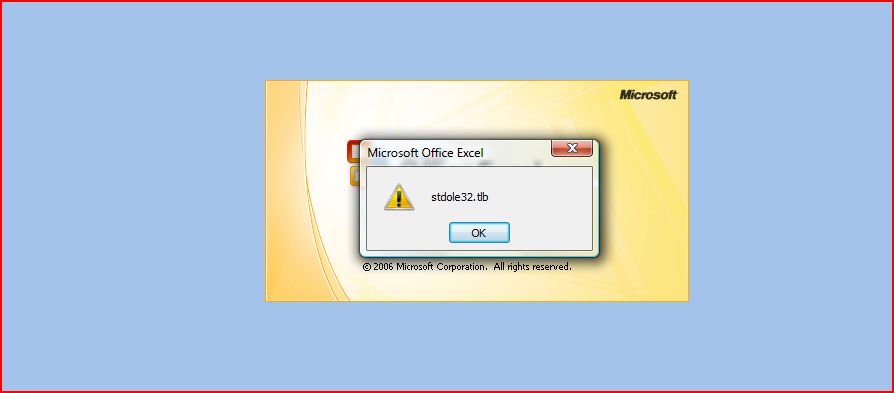
It seems that there is a connection between the two on tour computer. Simply said, Office sees a damaged install and recovers the installation process by reinstalling a part of that office. I don’t think its file related, but something went wrong in the registry... I think you are right because I get an error when I start excel that doesn't appear in any of the other programs. It says "stdole32.tlb" and thats it. See the attached screenshot...The question is, what do I do about it? If uninstalling doesn't work, I'm not sure what else to do.

-
Thanks, I tried that, but there were no entries for Office at all. Strange...
-
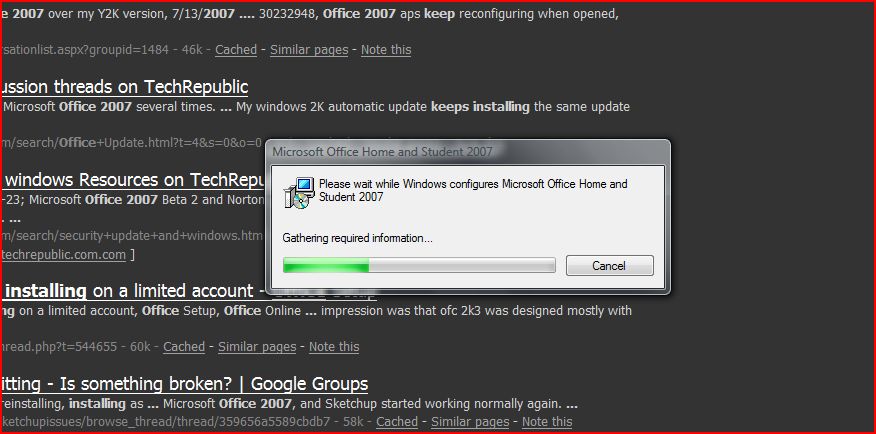
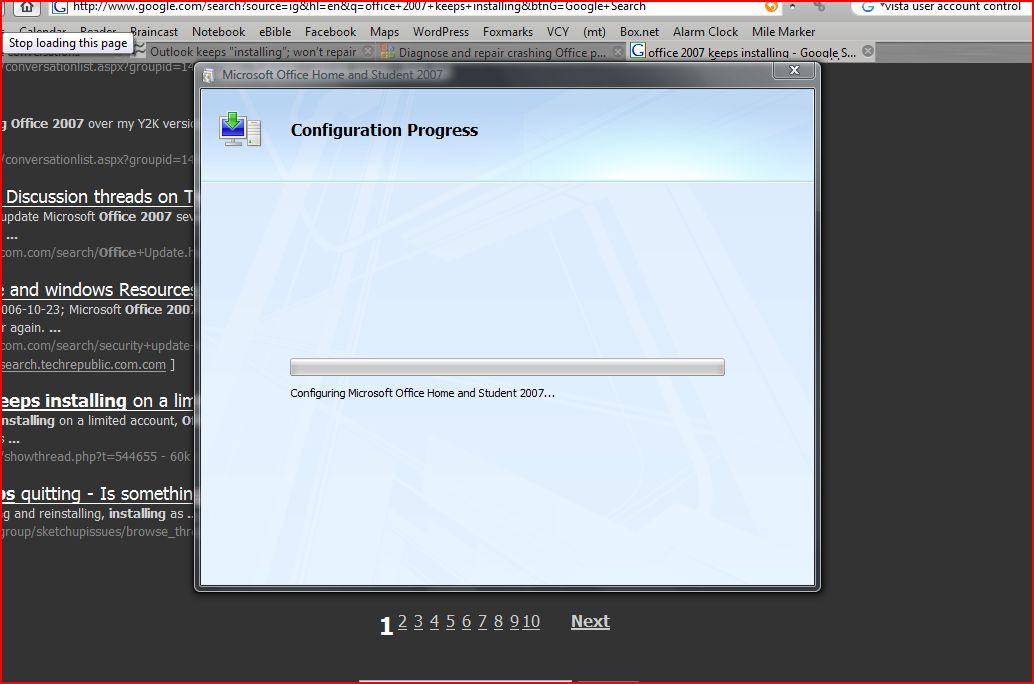
I recently purchased Office 2007 Student edition and installed it. It works well except for the fact that every time I start it it runs through and install and configuration process. I have uninstalled it, deleted all the registry entries and reinstalled it several times and it still keeps doing it. This is effectively keeping me from using Office and its driving me nuts. I really don't want to waste $150 on software that won't work. I attached some screenshots of what happens to this post. And yes, you forum elites, I did google this thoroughly before I posted Edit: I installed the zoho plugin shortly after I installed the software...the problem started after that. Could there be a connection? I don't see how a zoho plugin could screw it up but you never know.