-
Trying to do a fully automated upgrade from CD but things don't work the way I want them to! The upgrade is fine but at the end I end up with a dual boot system! 2000/XP! What should I add to my winnt.sif to get around this? Thanks
-
Anyone know an easy way to make it so office xp install won't prompt the user for cd key. I am trying to avoid giving this info out to the users out in the field! Thanks
-
I have followed the tutorial below: http://flyakite.msfnhosting.com/98se.htm
-
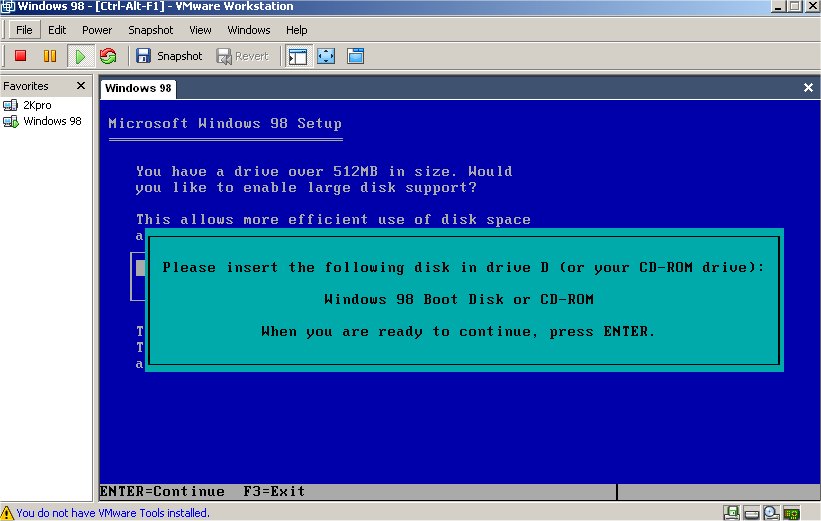
Guys, before posting this I went through every single thread about 98 SE and tried all the suggested ways of getting this to work, but it still doesn't run using vmware, may be once I burn my DVD it will!? I got a screenshot attached, any help would be great!
-
Is there a tutorial some where on how to do this? or if anyone knows how to do it please post here, thank you!
-
Thanks guys!
-
Is there a mirror for this file, the links seems to be dead @ http://flyakite.msfnhosting.com/ ? Thanks