Skip to content
View in the app

A better way to browse. Learn more.

MSFN

A full-screen app on your home screen with push notifications, badges and more.

To install this app on iOS and iPadOS
  1. Tap the Share icon in Safari
  2. Scroll the menu and tap Add to Home Screen.
  3. Tap Add in the top-right corner.
To install this app on Android
  1. Tap the 3-dot menu (⋮) in the top-right corner of the browser.
  2. Tap Add to Home screen or Install app.
  3. Confirm by tapping Install.

cyprien

Member
  • Joined

  • Last visited

  • Country

    France

Everything posted by cyprien

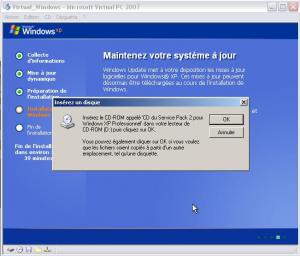
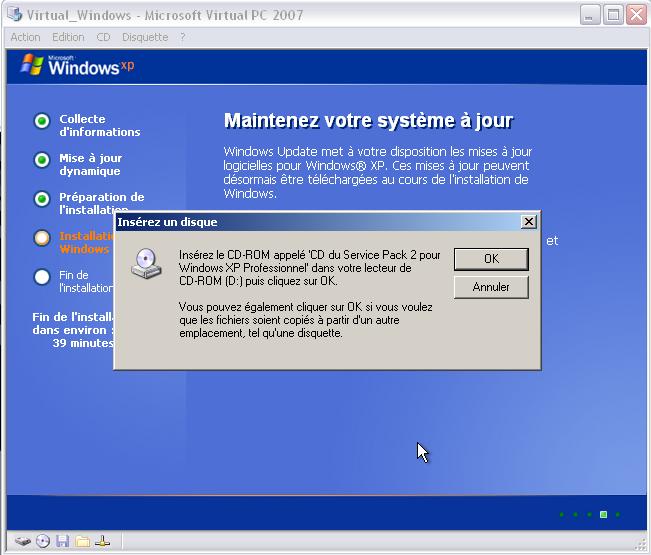
  1. hello, I'm trying to create a multiboot dvd with magic iso with windows xp pro corp, windows 2000, win98se and windows millenium. win98 and millenium works perfectly, but xp and 2000, no probleme for booting from cdrom, choose the partition, format and copy somes files, but during the installation he ask me : insert cd windows xp pro sp2 ..... The Setupldr.bin and txtsetup.sif are modified but it' doesn't work..... can you help me, i don't find any answer to my question... Thanks a lot Sorry for my english, i'm french ;-)


Account

Navigation

Configure browser push notifications

Chrome (Android)
  1. Tap the lock icon next to the address bar.
  2. Tap Permissions → Notifications.
  3. Adjust your preference.
Chrome (Desktop)
  1. Click the padlock icon in the address bar.
  2. Select Site settings.
  3. Find Notifications and adjust your preference.