-
Hi ! 1/ I'm looking to put a custom homepage for IE7 on my Nlited-Windows CD (In fact, my website ! not the default one, nor google.com... ) 2/ I'd also like to insert a customized search engine in the "search" toolbar -> top-right of the IE7 window (In fact #2: My custom search engine. ) I've been looking, and made some tests, but none works. Any "good-old-school" advice ? Thanks ! Stef.
-
Here, the problem is in the hotfixes page. Even before trying to insert any driver. I think you don't post in the good topic... And... as an answer, i didn't face this problem, sorry
-
well... Let's just say it is a bug ! It tried to make a homemade windows a few time ago. It kept asking for windows CD frequently. For example, everytime I was inserting a flash USB pen drive... This means : very often ! Never found why... I stopped using nLite after that. My new experience is also quite strange, don't you think so ? Maybe there is a job as a debugger for me ! lol
-
So... moving these 2 updates did not work I did a "normal install" of XP, and then watched WU work. I've put the hotfixes in the same order as win took them on the internet, and now it works. I still don't know which hotfix made it fail, but now it's ok. Many thanks !
-
I try this tommorow morning, and i'll let you know... Thanks already !
-
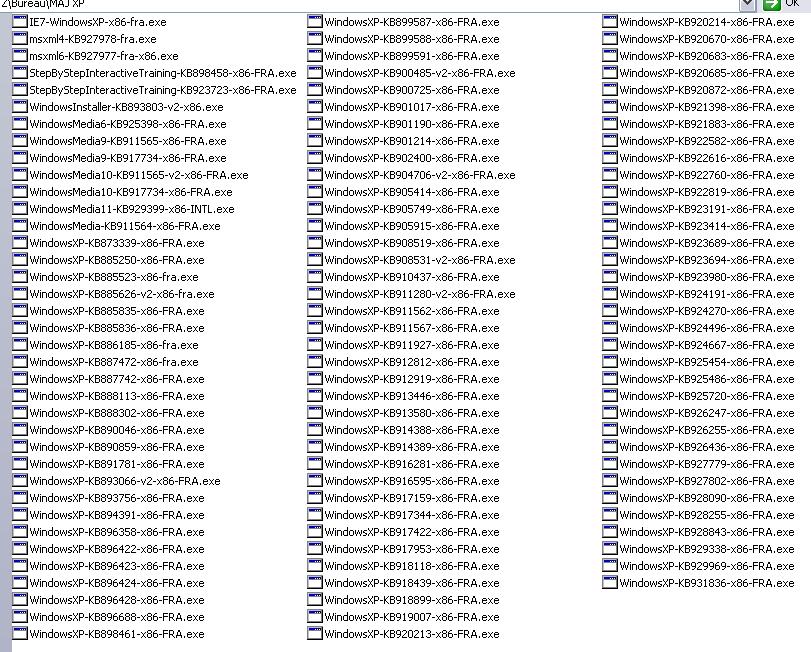
I only use IE7-WindowsXP-x86-fra.exe No other IE7*.exe files Strange... Very strange... Here are the updates I included : As I said, only 1 IE7*.exe...
-
I AM using the last Nlite (1.3.0.4 final) Maybe i made a mistake in the order of IE7 updates... How can I know which KB.exe files they are ??
-
Well... IE7 seems to be the one. When i try to bring it back, install fails (reboot) I tried to put IE7 "earlier" in my hotfixes (end of oct 2006, when it was launched...), but it's all the same. Any idea ??
-
Hoora ! Found the solution ! there were 3 updates which where displayed as .CAB in Nlite. I took them off It works ! I hope this could help some of you
-
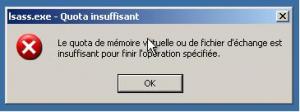
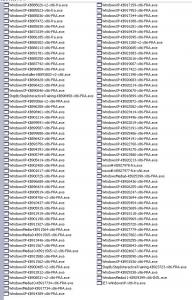
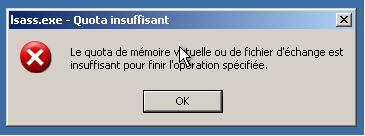
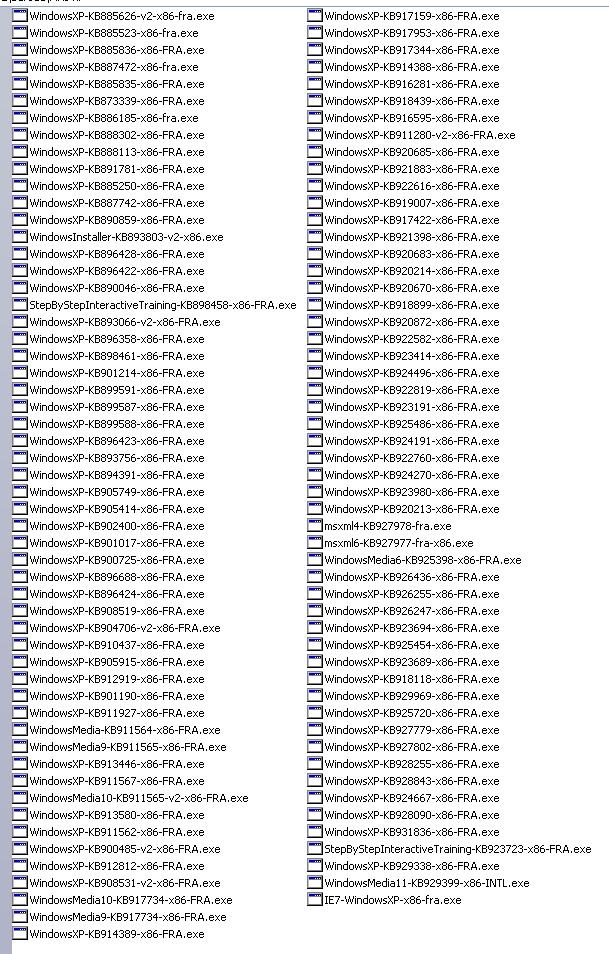
Hi ! I have the same problem I'm using Win XP Home SP2 - French Nlite 1.3.0.4 Final I tried to only put hotfixes from MS (on march 29th 2007), and NOTHING else. Here is the list of the 108 updates I used : And at the first reboot... virtual PC reboots, and reboots,... So i used "print screen" to have this **** error, just before reboot ! The error, in french: The english translation would be : the quota of virtual memory or file of exchange is insufficient to finish the specified operation I really don't know what's wrong. I didn't even try "funny" stuffs ! I'm gonna keep on searching, but any help, idea, or advice would be welcome !