Everything posted by spamer80
-
MagicAndre1981 ty very much for your answer and sorry, I tried to found topic by keyword "wim" and found nothing, so I created this. Also, idk why, but when I'm burning images with 1.2RC, my DVD's won't boot. When creating ISO, the "Boot sector" option is "Default" and can't be changed (it's grey) and when I'm trying to reboot, there is no "Pres any key..." text apears, PC trying CD's, then going to boot from HDD. The first boot device in BIOS is CD-ROM, also I have 2 DVD-RAM (Asus DRW-1608P3S IDE 1.24 and Asus DRW-1814BLT 1.13 SATAII), I tried to burn disc on both of them and it wasn't bootable. Previously, when I used 1.6.6 to build an images, all worked correctly.
-
Hello. I used vLite 1.6.6 and the WIM filte was included, I need only to click a button. But now, vLite 1.2 says that I need to go Microsoft download center and download 1.3 Gb ISO image to install 600 kb. driver. It's really annoying. Can someone please upload WIM filter driver installer separately from that stupid ISO?
-
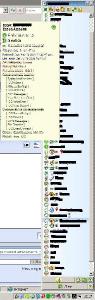
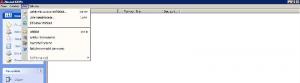
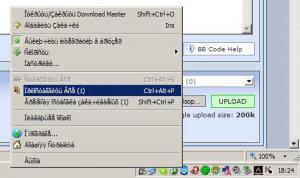
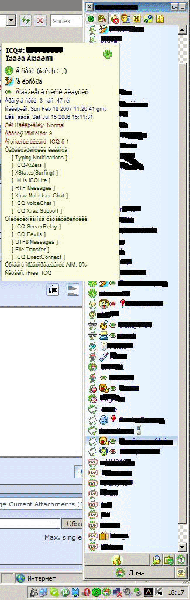
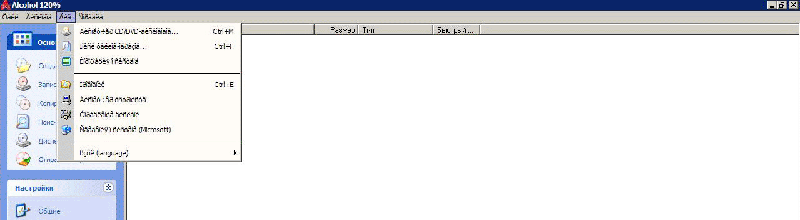
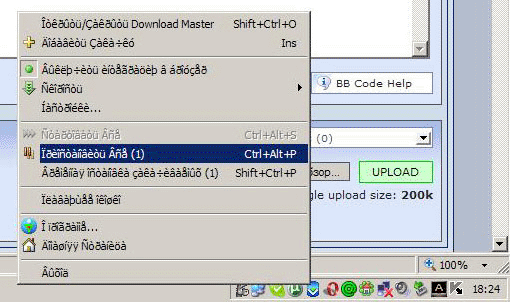
Hello. After installing Windows on which I used nLite, I saw a unreadable symbols in menus, context menus, system tray etc. in some programs (but not in all) like Download Master, Qip, Acohol 120%, eMule Plus etc. See screenshots. While I used a previous versions of nLite, I never seen something like this. How can this bug can be solved?