-
I am too getting the following error while running WPI. Please help to resolve...
-
I am also having a 7GB win xp image but not succeeded in making it bootable. Can you please tell me step by step to use 'mkisofs -sort' so that I can make my DVD+DL bootable. Thanks in advance. Neetu
-
Hi I have created my own billboard for Windows XP and changed the text strings to some other language i.e. Hindi. But I failed to change two text string "Copying files" and the second one "Installing Network" just upper on the progress bar because I can't find the both strings in the file.Can anybody help me by telling the exact position of the text strings. Sorry for my bad English Neetu
-
Hi can anybody please tell me that how can I install windows vista games in Windows XP.I have windows vista DVD but don't like to install it as it's too slow.I have downloaded the vista games from a website but it's the older version.I want to get the games that are included in Vista Final version. Thanks in advance Neetu
-
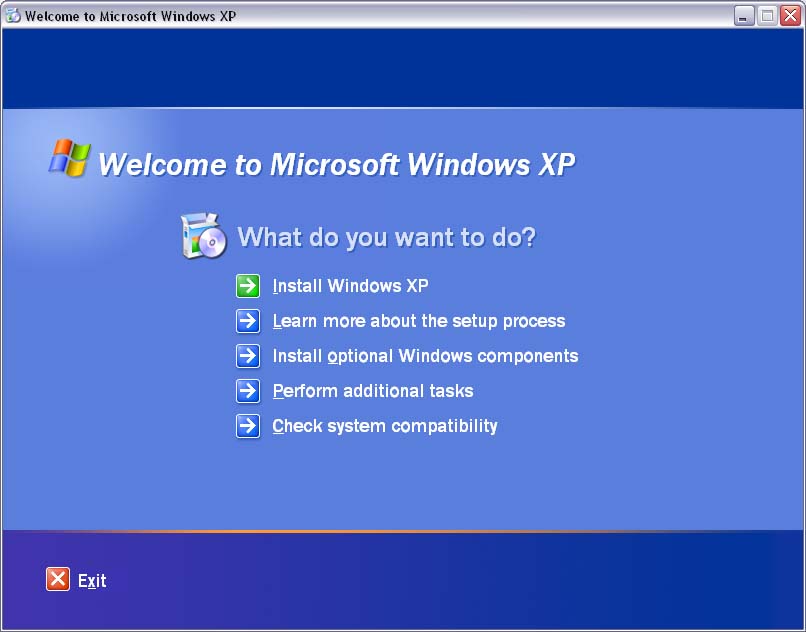
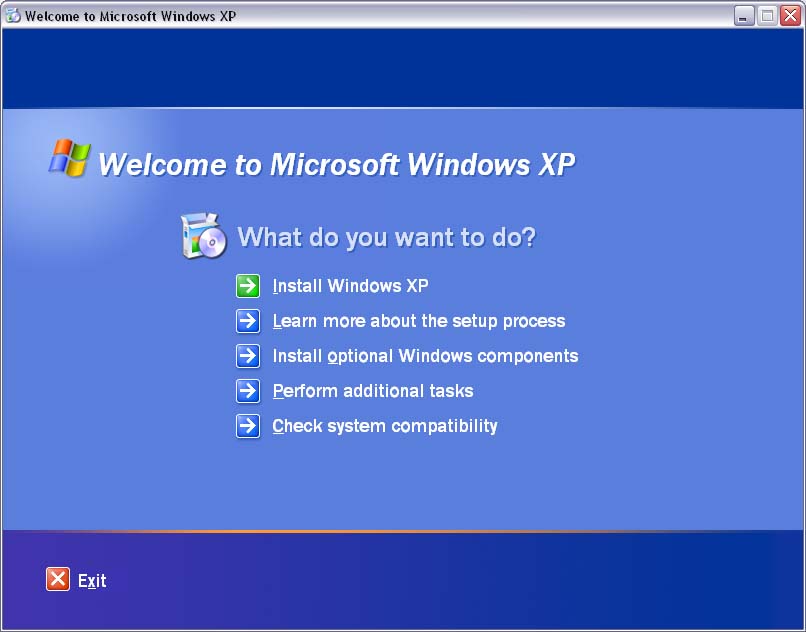
I have tried to create windows XP unattend dvd & got succeeded in every section regarding integration of updates upto 14th March 2006, Driver Packs and windows post installer applications but the stage where i failed is that i can't change the screen & the screen options that runs when the dvd is inserted.The screen comes out as usual as the XP cd.I want something different in the screen that i have seen somewhere else in a forum.Here i am attaching both images.Can some help me in changing the first screen into the second. Neetu